
Machinery & Equipment: inventory, costs and usage in one place
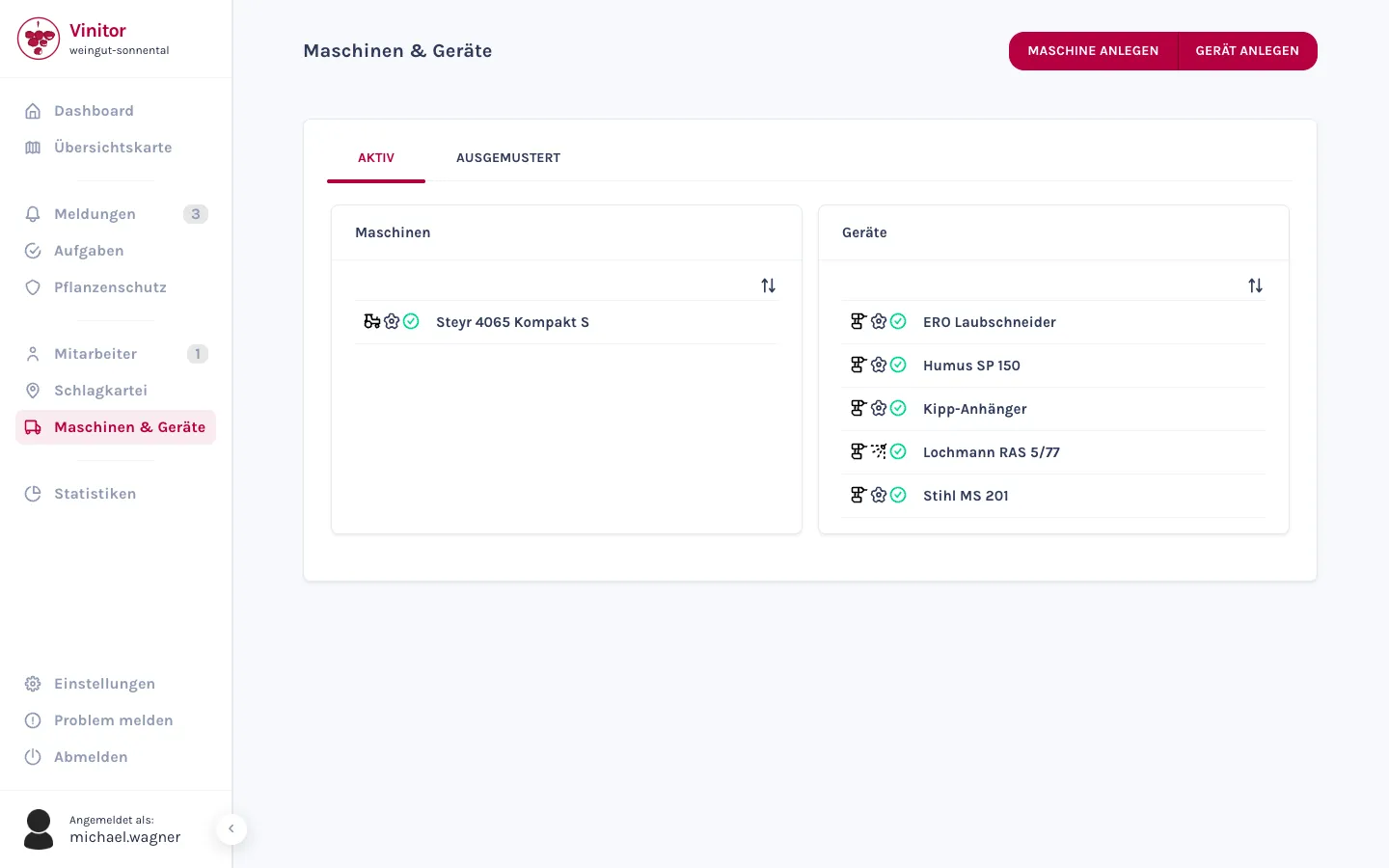
From the tractor with its registration plate and hourly cost to the sprayer with its tank volume — your entire business inventory in one place. Every entry can be assigned to tasks, logged during use and analysed. It's created and maintained in the dashboard; your team accesses it in the app.
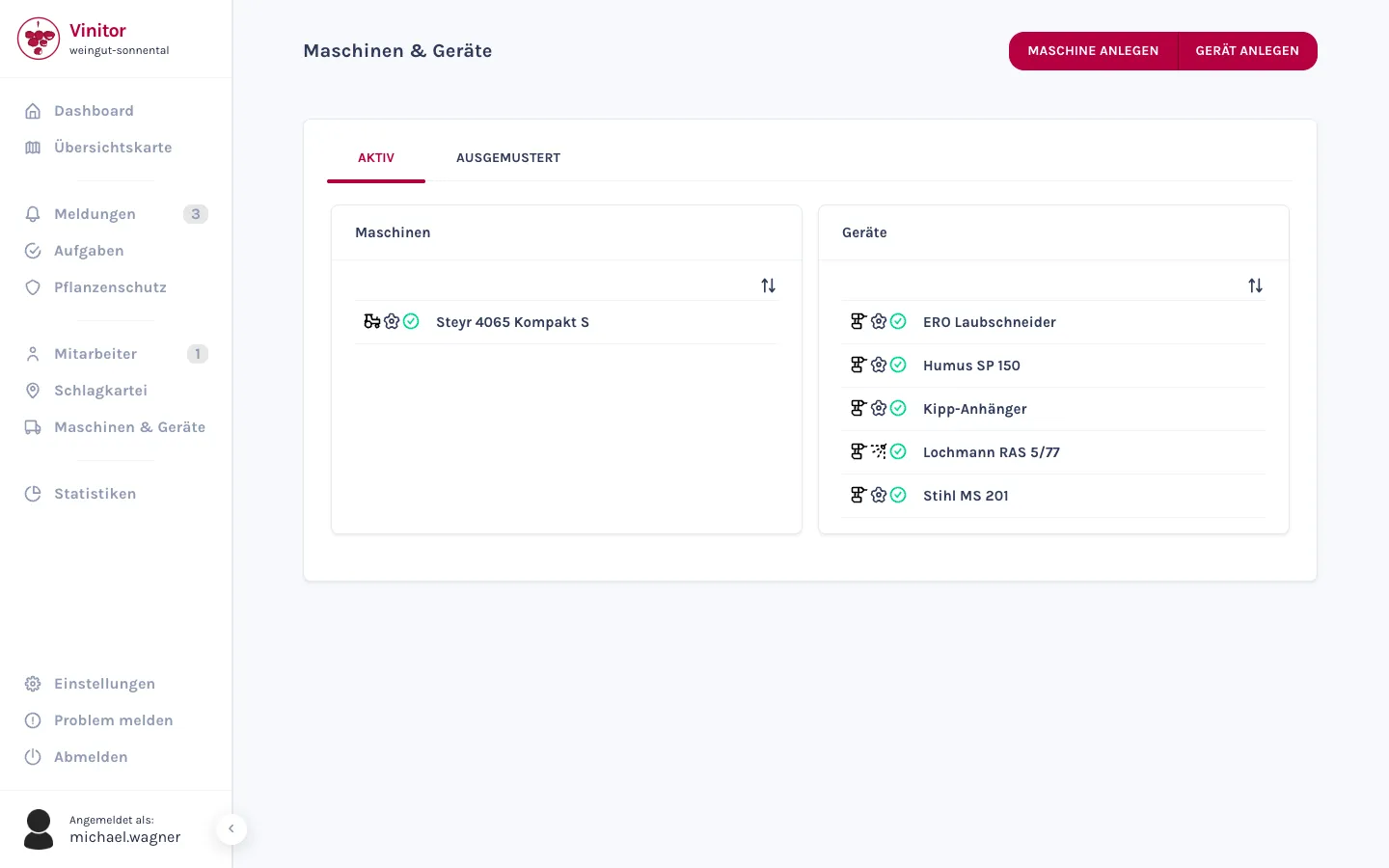
One inventory — machinery and equipment
Vinitor distinguishes two categories: machinery is your motorised vehicles — the tractor above all — with a model designation and registration plate. Equipment covers the smaller tools and attachments, from secateurs to the sprayer. Both sit on the same overview, split into a tab for active entries and one for decommissioned ones.
- Machinery with model designation and registration plate — every tractor's vehicle data in one place.
- Equipment from secateurs through ploughs and seed drills to the sprayer — on the same page as the machinery.
- Two tabs — Active and Decommissioned — each with a card for machinery and one for equipment.
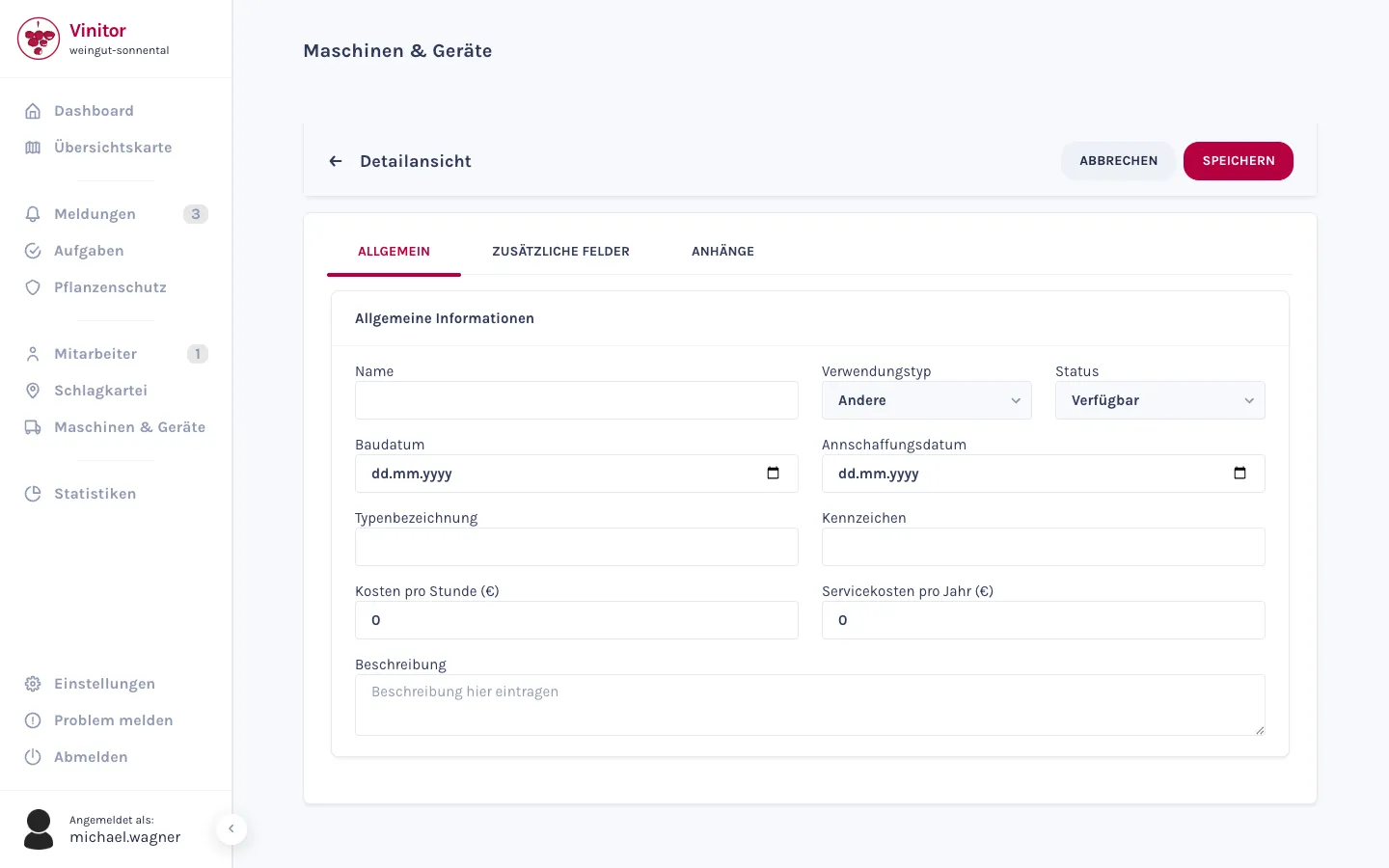
What a machine costs — and what ends up in the analysis
For every machine, you record the cost per hour and the annual service costs. From the recorded hours of use and the hourly rate, Vinitor calculates the machine costs — they flow straight into Statistics. You record the build date and purchase date for machinery and equipment alike.
- Record cost per hour and annual service costs for each machine.
- Hours of use multiplied by the hourly rate produce the machine costs in the analysis.
- Build date and purchase date for every entry — machinery and equipment alike.
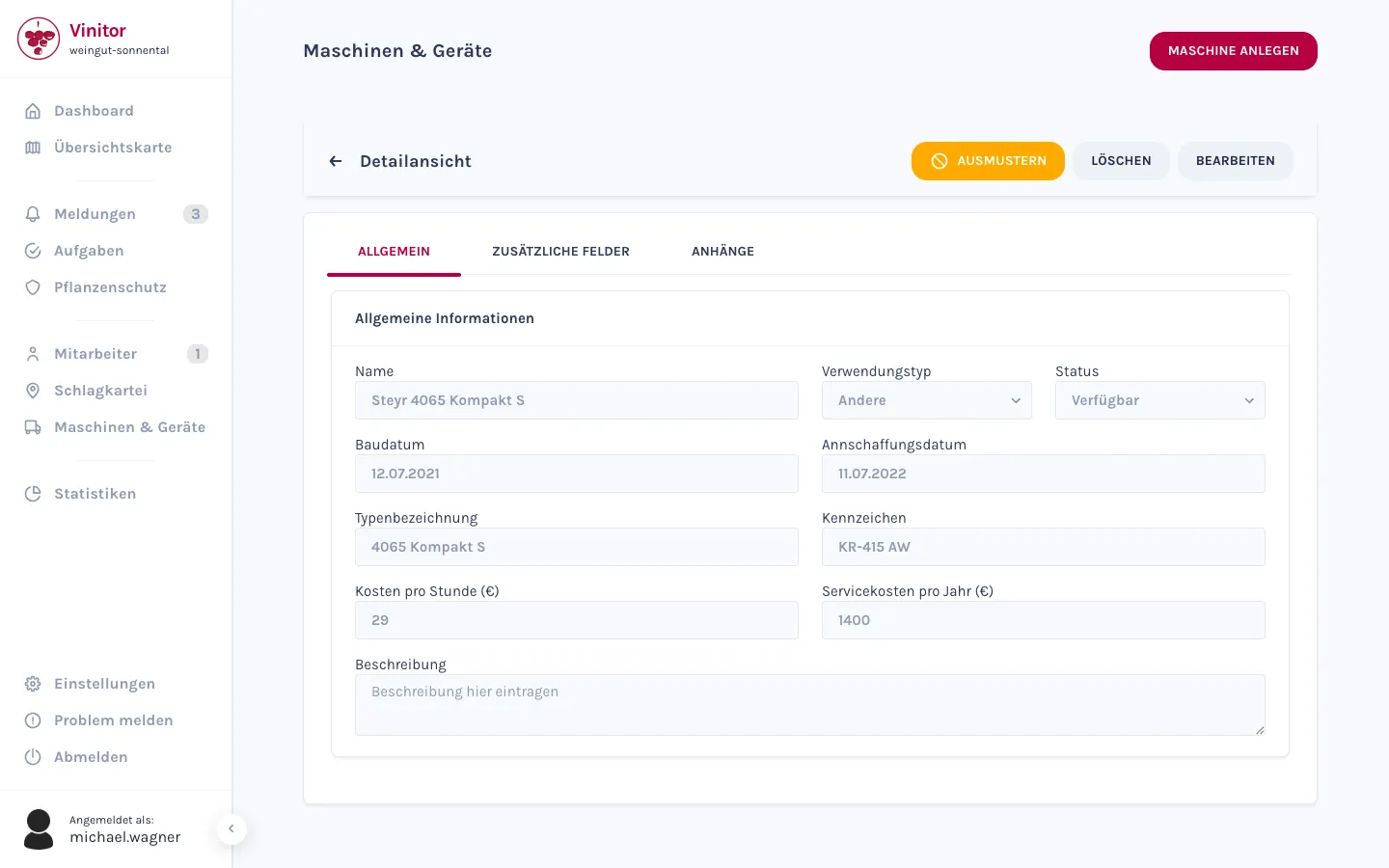
Usage type, status and attachments per entry
Every entry gets a usage type — Harvest, Spraying, Sowing, Ploughing or Other. For sprayers, Vinitor unlocks an extra field: the tank volume in litres. And the status shows at a glance whether a piece of equipment is available, in use, being repaired or damaged.
- Five usage types: Harvest, Spraying, Sowing, Ploughing or Other.
- For sprayers, the tank volume in litres is added as its own field.
- Status per entry: Available, In Use, Under Repair or Damaged.
- Attachments per entry — photos, invoices or data sheets right on the equipment.
Schedule into tasks and log the usage
You assign machinery and equipment to your tasks — in the dashboard via the “Machinery & Equipment” tab, on your phone directly in the task. When scheduling, Vinitor shows which entries are still free in the chosen period and which are already booked. During Time Tracking, the app logs which machine was in use — that's what produces the hours and costs in the analysis.
Machinery and equipment are created, edited and decommissioned in the dashboard. In the app, your people see the entries and use them — the detail view on the phone is view-only.
- Every task gets its machinery and equipment — via search in the dashboard or in the app.
- Availability check when scheduling: free, or already booked for the period.
- Usage logs from time tracking — the basis for hours and machine costs.
Frequently asked questions
Can I record and analyse machine costs?
What does decommissioning mean — can I also delete entries?
How do machinery and equipment get into a task?
Can I also manage equipment on my phone?
What does it cost?
Price at 20 ha of vine area, excl. USt., cancel any time, no minimum fee — calculate for your area →
The easiest thing is to just try it.
The free tier stays free — add modules when you need them.
Even more detail — field tables, permissions, step-by-step guides — is in the documentation:Machinery & equipment in the documentation →