
All features at a glance
The web dashboard for planning at your desk, the app for work in the vineyard. Get the overview first — then jump to the module you're interested in.
free forever, for any size of business
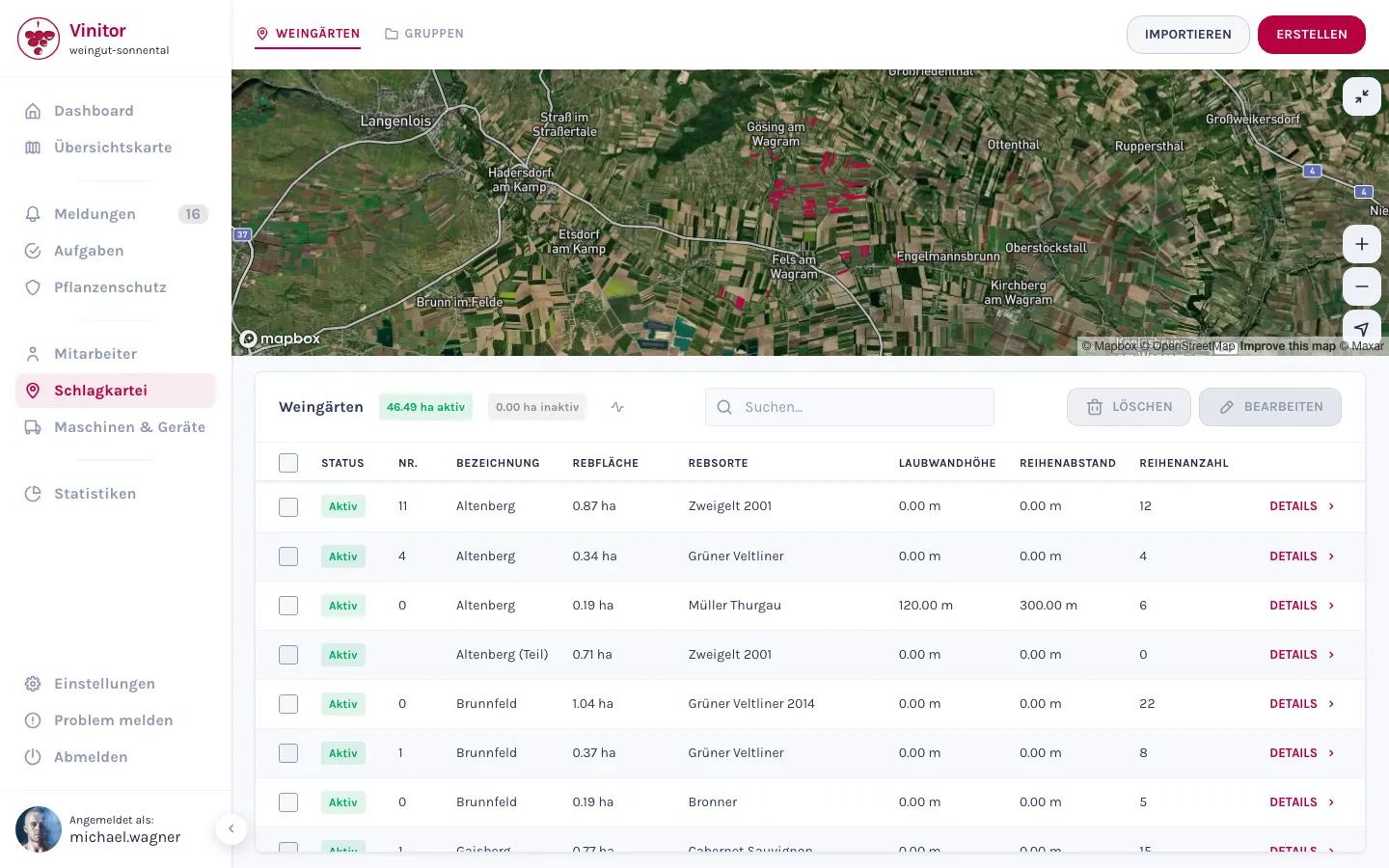
Field record book (vineyard management)
The heart of it: all vineyards with map, master data and history in one place.
- Every vineyard as an area on the map — with grape variety, area and master data.
- Create them in a 4-step wizard, bulk-edit right in the table.
- Groups by site or grape variety, files and a log per vineyard.
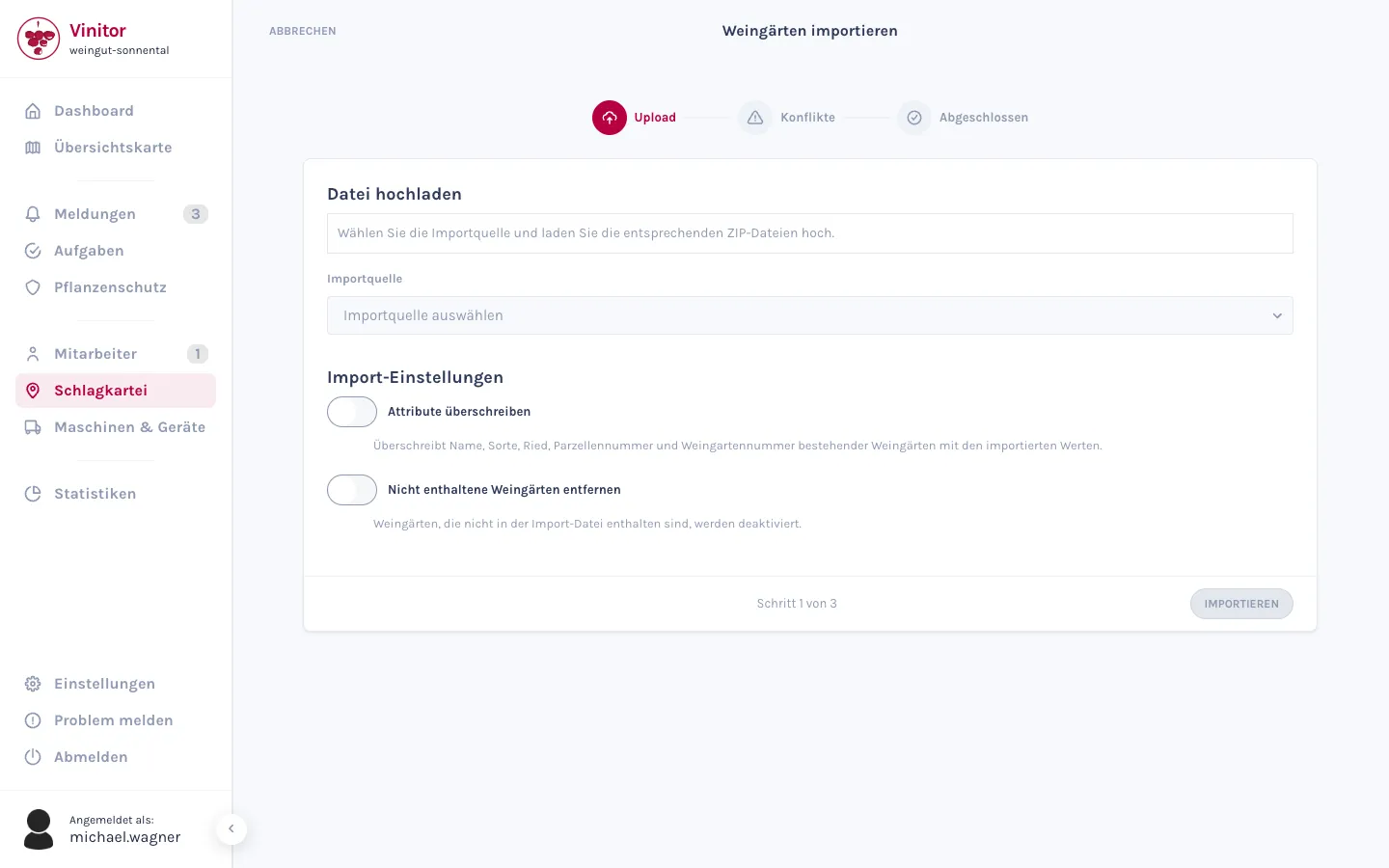
eAMA import
Take vineyards over instead of tracing them — from INVEKOS-GIS and other agricultural systems.
- Import shapefiles from the eAMA portal (INVEKOS-GIS) in minutes.
- Master data and area geometries come along together.
- FIONA, LEA, LAFIS and LAWIS plus outside Austria too.
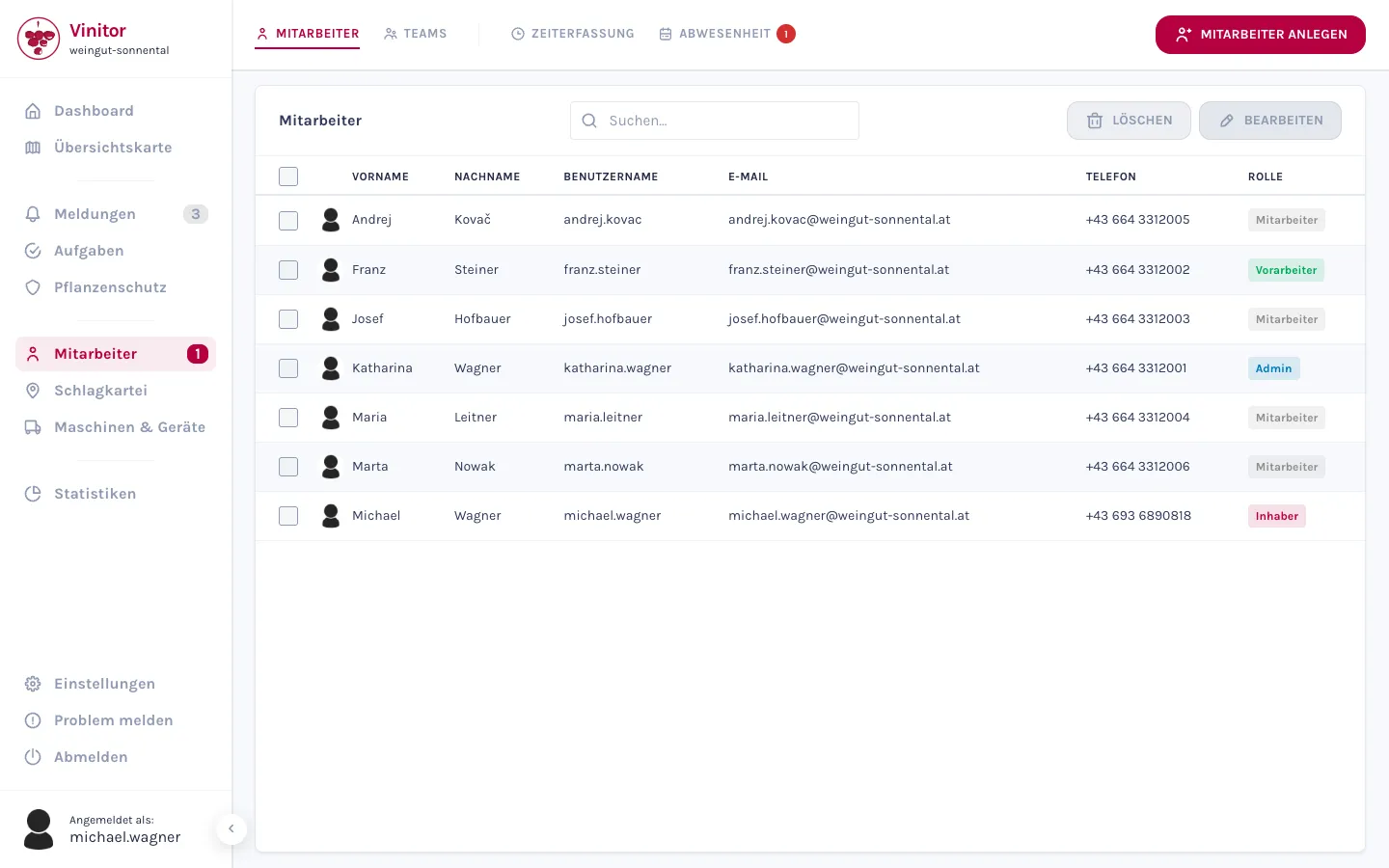
User management
Your team in Vinitor — with roles, permissions and working-time models.
- Add employees one at a time or several at once.
- Roles with a clear hierarchy, plus individual permissions.
- Working-time models and salary as the basis for target/actual and costs.
bookable individually, priced by vine area —to the price calculator
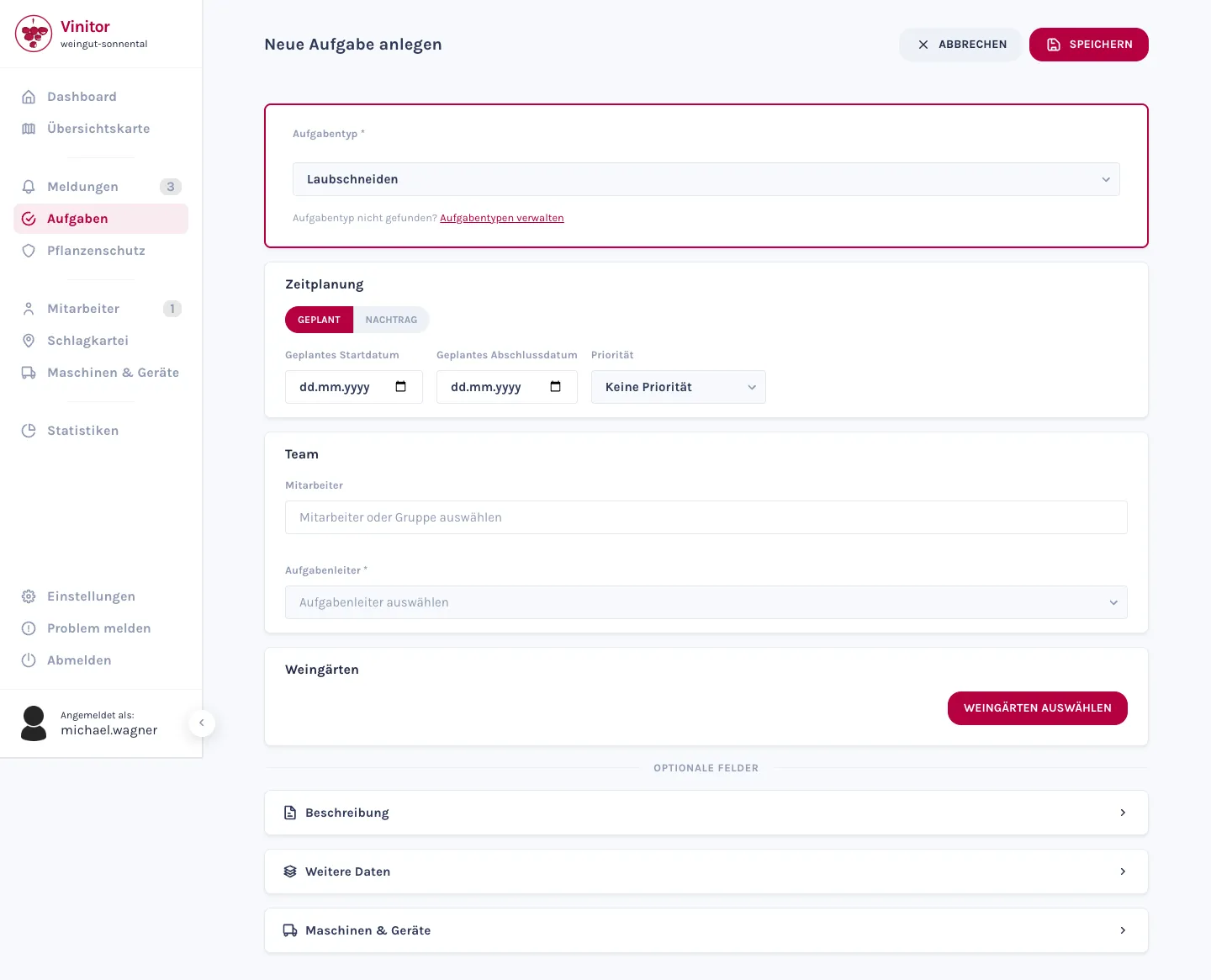
Task management
Plan work, hand it out to the team, track progress — everyone sees on their phone what's coming up.
- 47 standard task types plus your own types and fields.
- Tasks with a period, priority, employees, vineyards and equipment.
- Your team sees their tasks in the app — each in their own language.
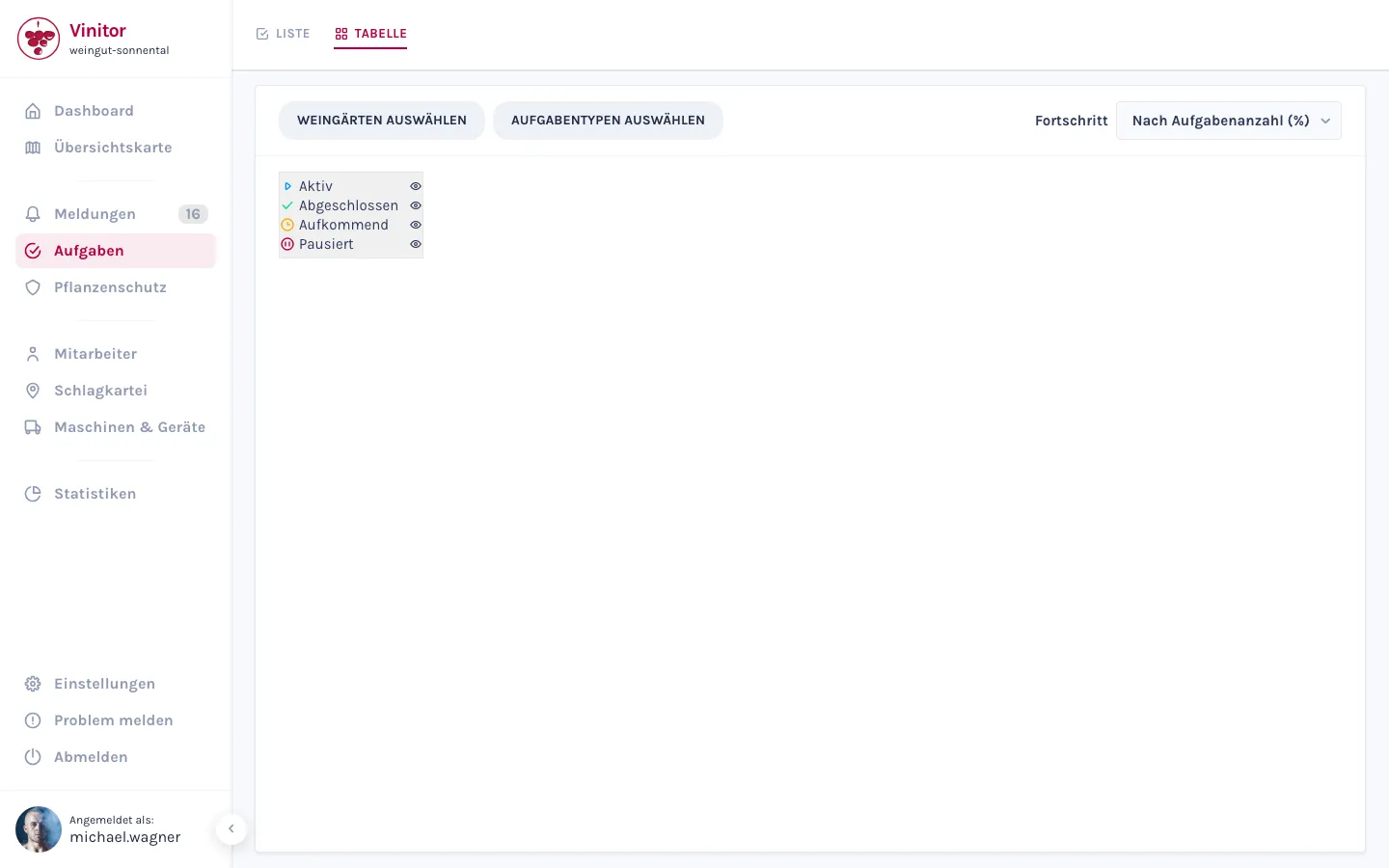
Task table
All work per vineyard in the yearly overview — the view for running the business.
- List or table — one toggle bar, two views.
- At a glance: what has already happened per vineyard and what is still open.
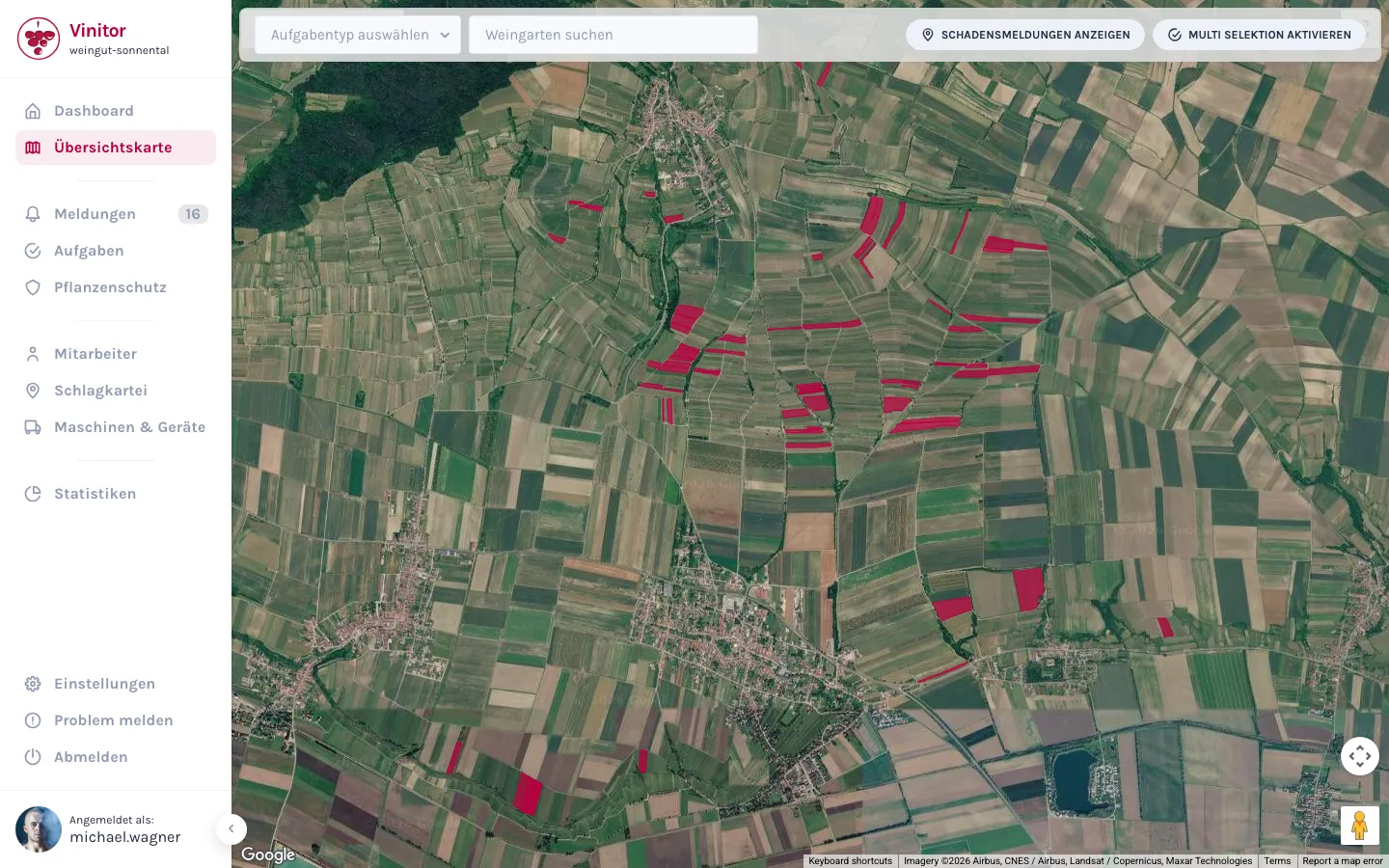
Overview map
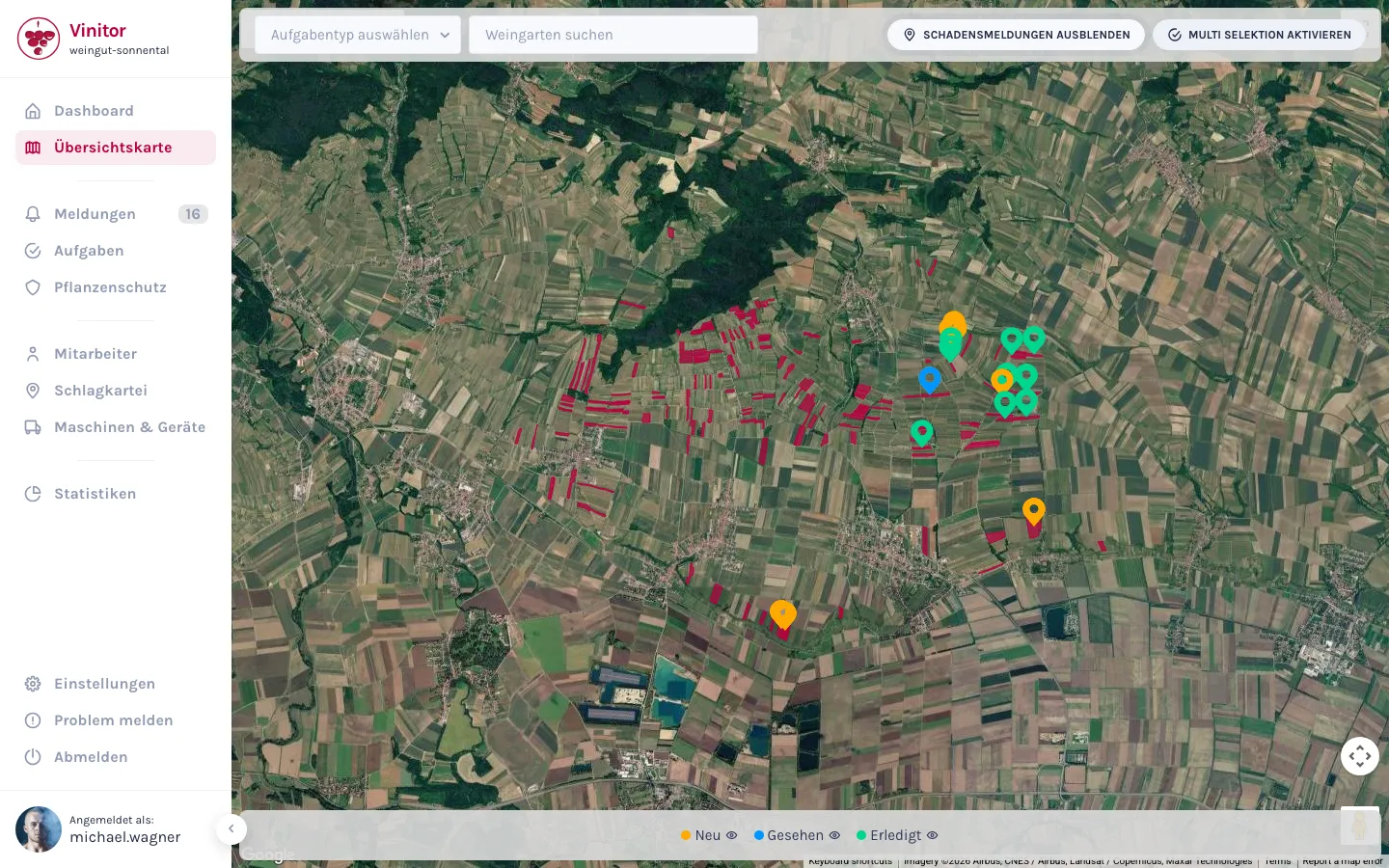
Your whole business on one satellite map — coloured by work status.
- All vineyards as polygons, coloured automatically by task status.
- Show damage reports as markers.
- Multi-select: one action for several vineyards at once.
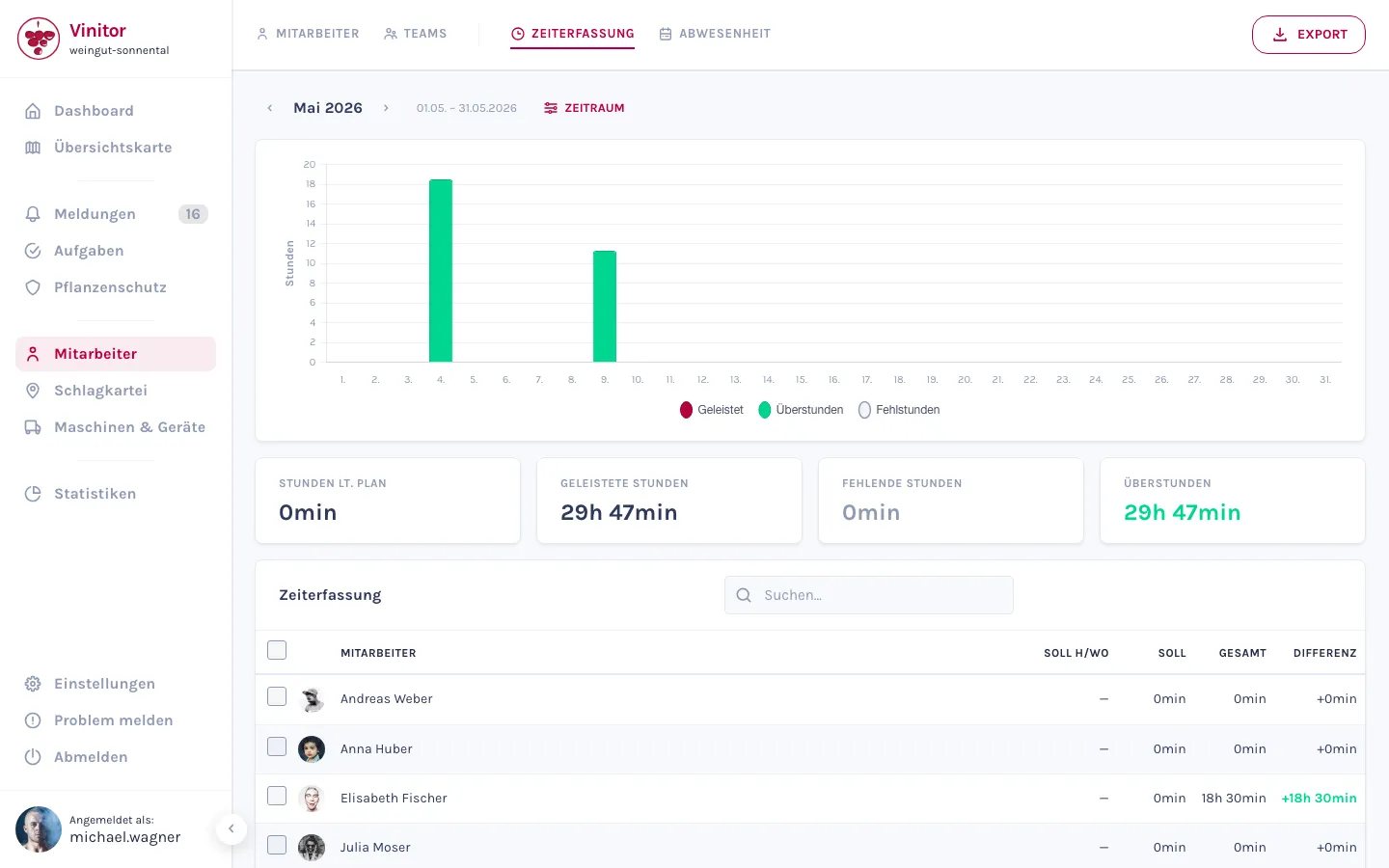
GPS tracking
Time tracking that happens on the side — record work paths, analyse hours, manage absences.
- Record work paths in the app — Vinitor recognises the vineyard.
- Automatic task suggestions from the route.
- Target/actual analysis per employee, annual leave and sick leave included.
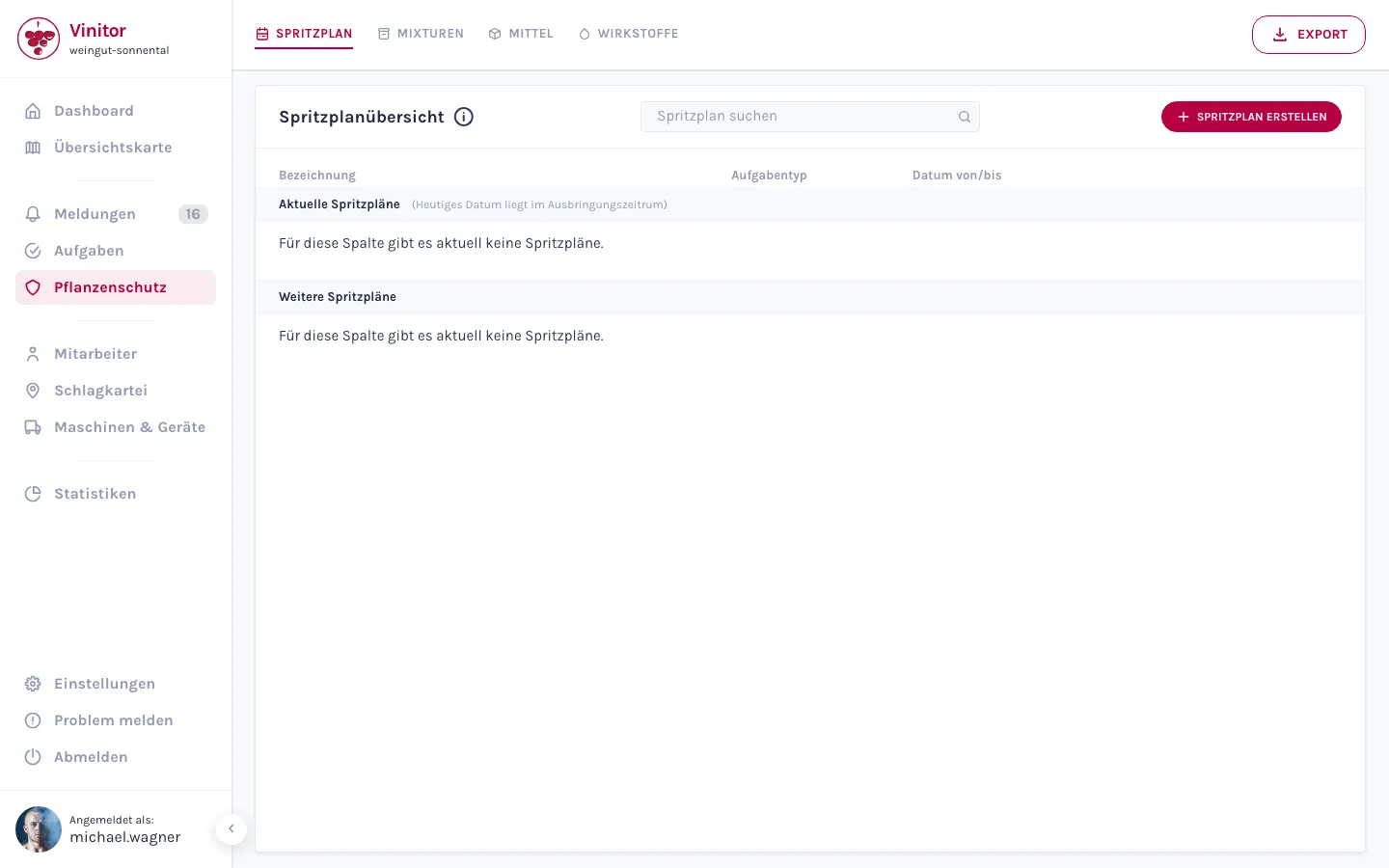
Plant protection
From the product to the finished records — all of plant protection, exactly as required from 2027.
- Active substances and products from the BAES database.
- Spray plans in four steps — tasks are created automatically.
- EU-compliant records (Regulation 2023/564), export as PDF or CSV.
Damage reports
Report damage and observations straight from the vineyard — with photo and position.
- Create a report with photo and GPS position right on the spot.
- You configure the report types yourself.
- Review and filter them in the dashboard — or turn them into a task.
Statistics
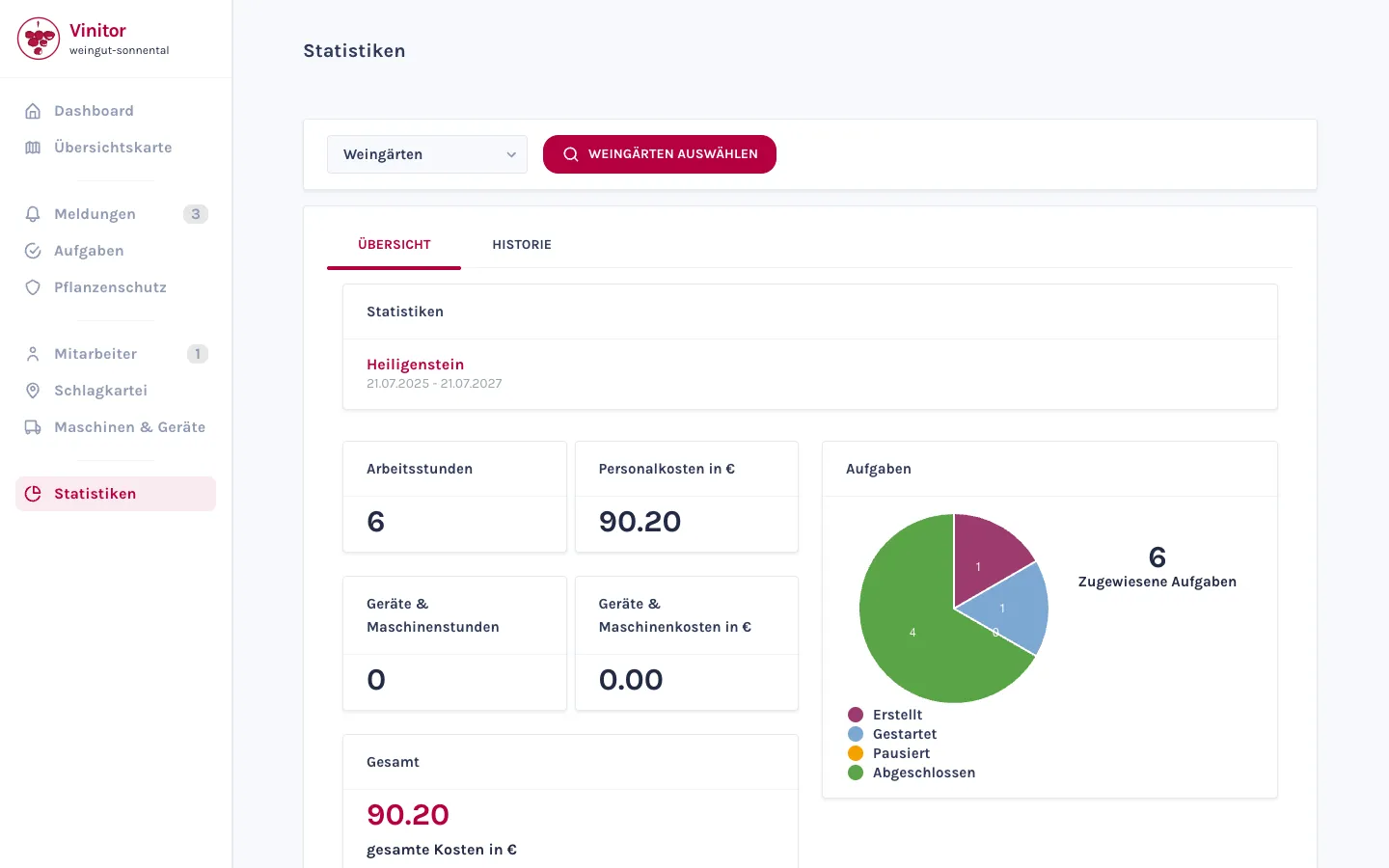
Numbers you'd never otherwise have: working times, costs and tasks analysed.
- Three categories: working times, costs and tasks.
- Staff costs based on working-time models and salaries.
- Pick the items — the analysis loads automatically.
Machinery & equipment
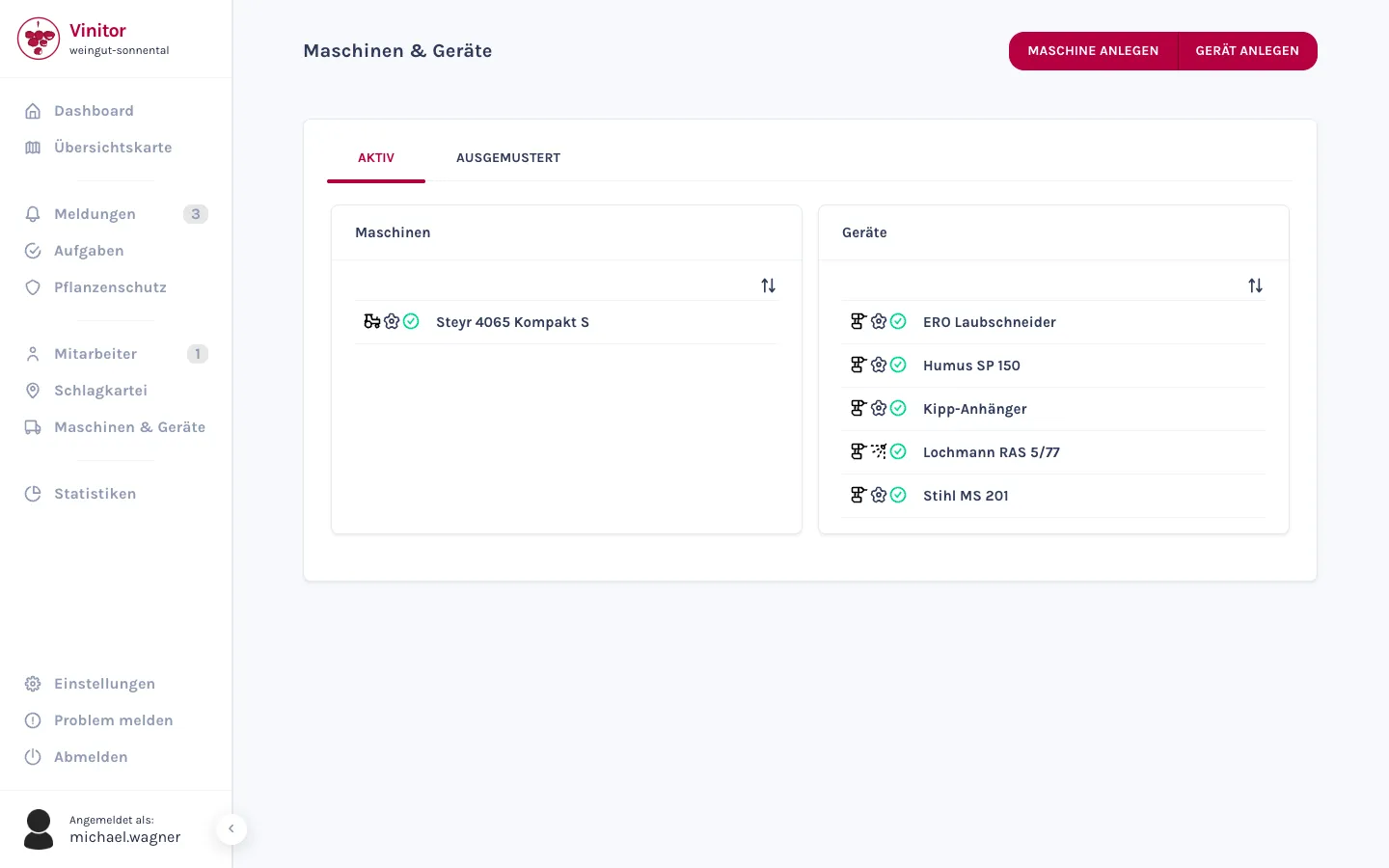
Your business's inventory — from the tractor to the pruning shears.
- Machines with model designation, number plate and cost tracking.
- Equipment from secateurs to sprayer on the same page.
- Status, costs and attachments per entry — and assignment to tasks.
Even more detail — with field tables, permissions and step-by-step guides — is in the Documentation.
The easiest thing is to just try it.
The free tier stays free — add modules when you need them.