
Plan work, assign it — and see the progress
Create tasks, assign them to your team, track progress per vineyard: Vinitor brings all your task planning together for your winery. 47 ready-made task types, custom fields for your data — and everyone sees their work on their phone.
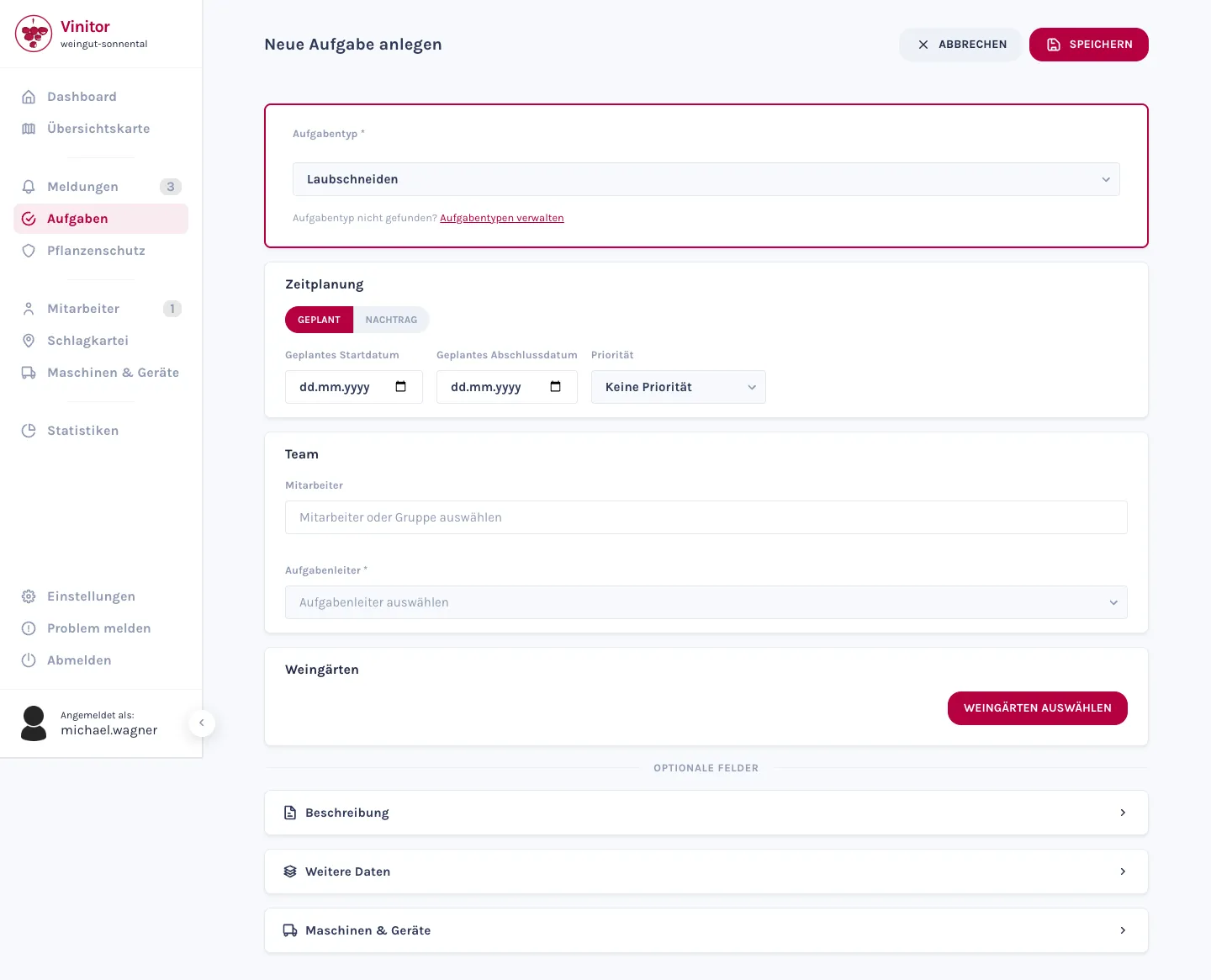
Plan tasks and assign them to your team
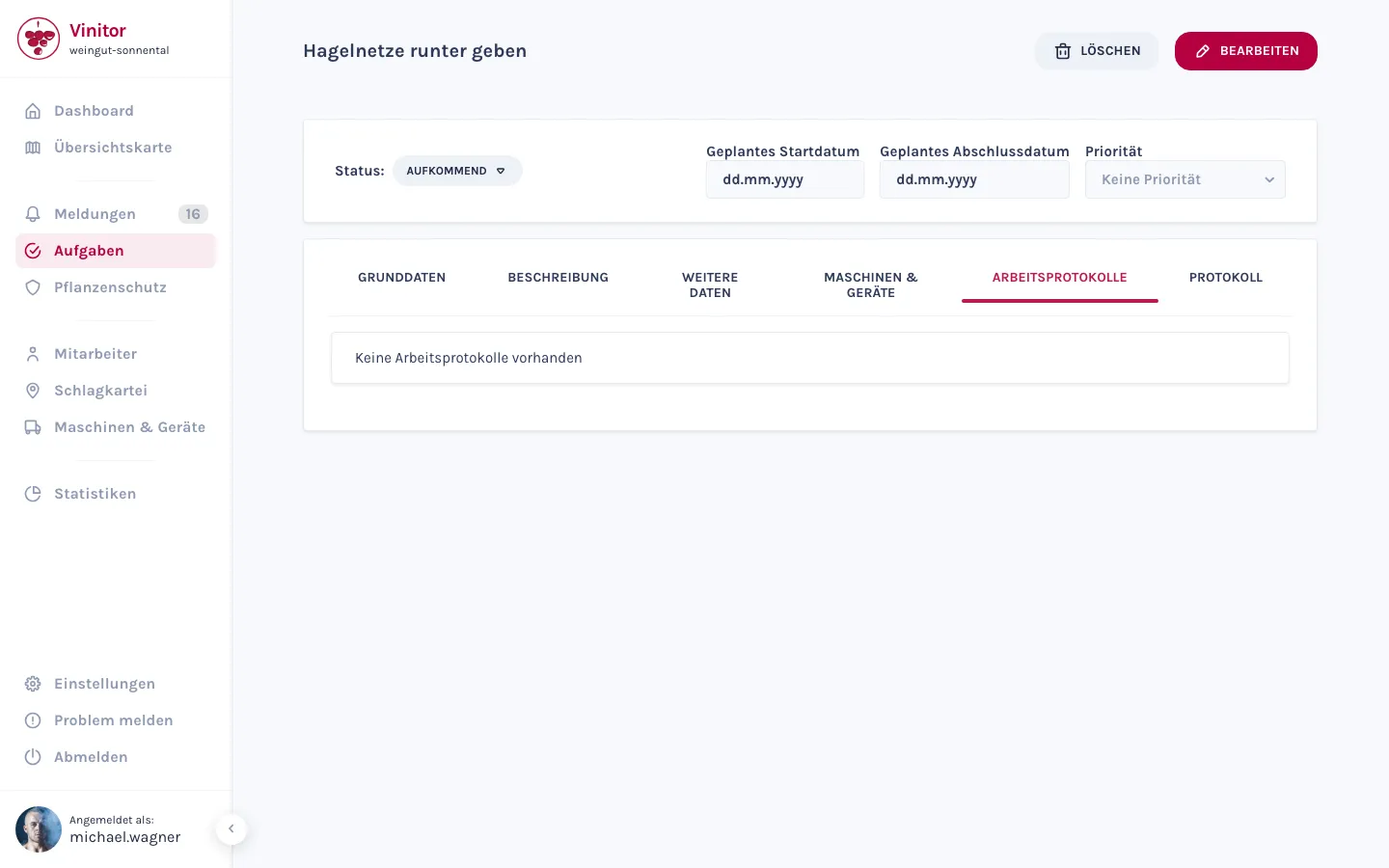
You create a task, choose the task type and period, set a priority and assign it to your team — individually or as a whole group. One person is task lead, the rest work alongside them. Four status tabs — Upcoming, Active, Paused, Completed — show you where any piece of work stands at any time.
- Task type, period and priority — plus vineyards and equipment, all in one form.
- Assign employees individually or as a group, and designate a task lead.
- One job across several vineyards: Vinitor creates a task for each vineyard and chains them in your work order.
- Change the status of a task — or of several tasks in one step.
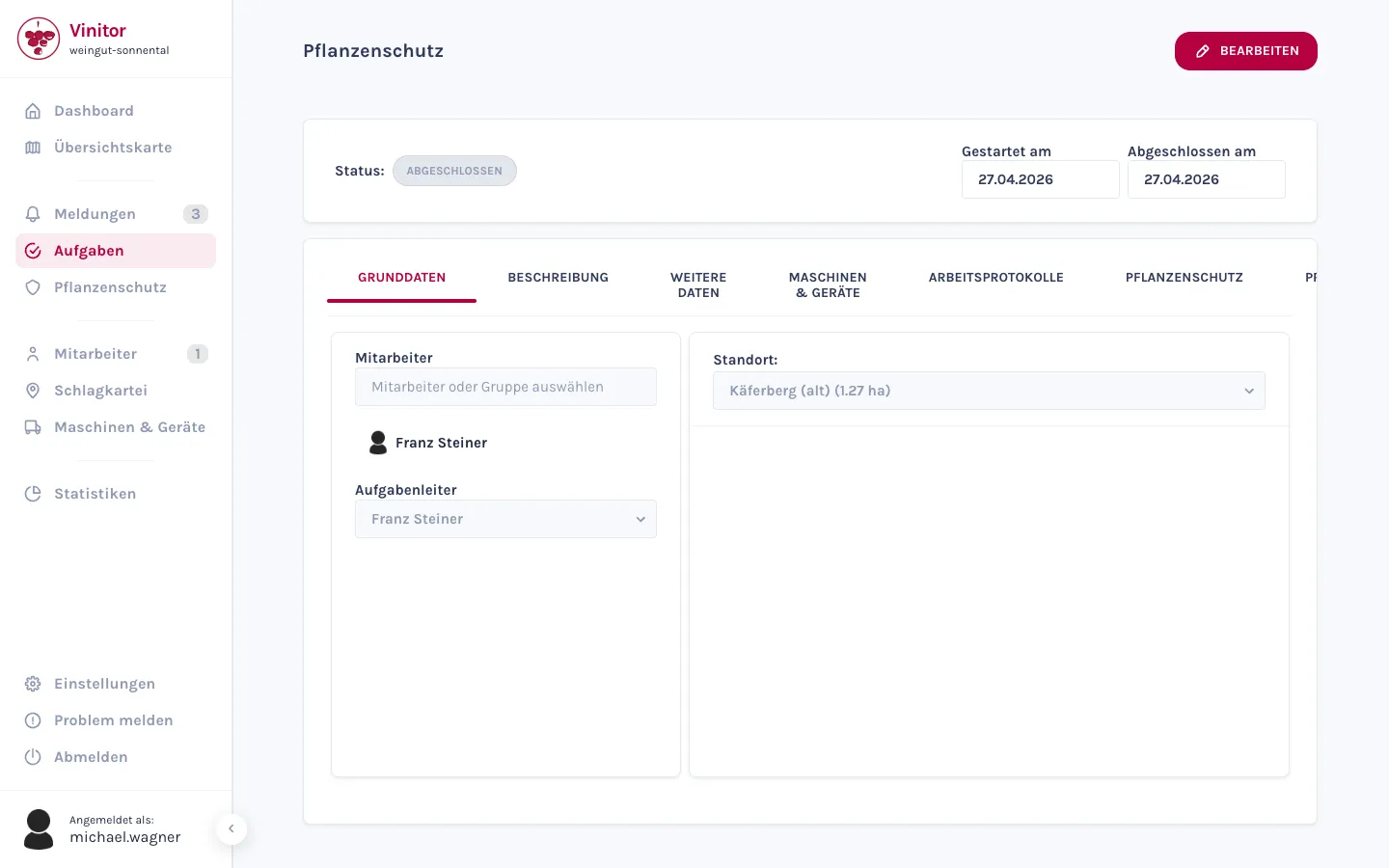
47 task types — or your own
Vinitor comes with 47 predefined task types — from pruning and tying to leaf removal and thinning, right through to bank mowing and irrigation. You rename them, remove them or create your own types. And every type can carry its own fields, so you capture exactly the data that matters for your work.
Custom fields appear in the “Additional Data” tab — as litres, kilos, units, euros, metres or free text. Because they're captured in a structured way, you can later analyse them in Statistics, instead of losing them in the description field.
- 47 ready-made types for the whole vineyard year — rename, remove or add to them.
- Custom task types for the jobs that only exist on your estate.
- Custom fields in six units: litres, kilos, units, euros, metres or free text.
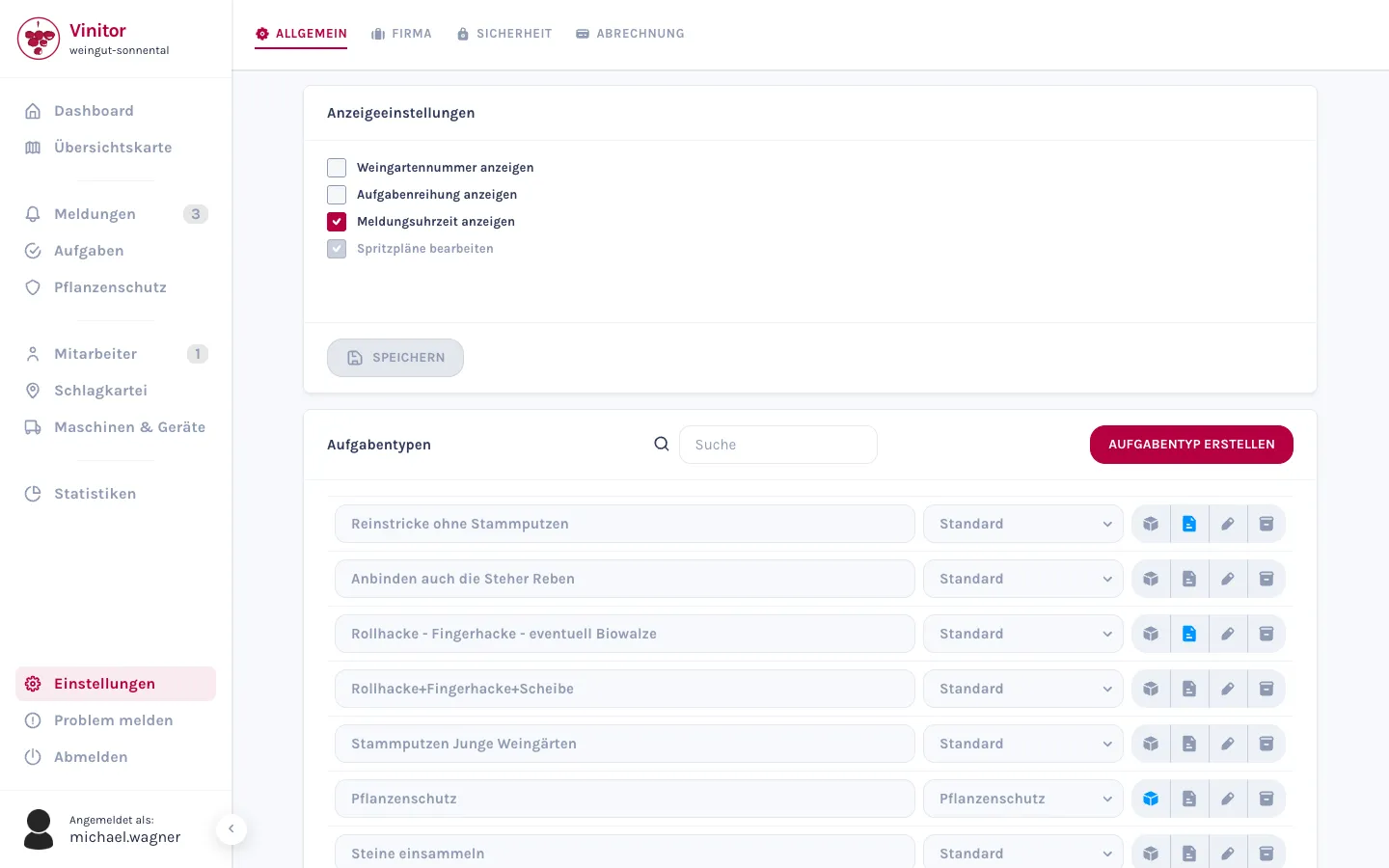
The task table: every vineyard, every task type
One toggle, two views: list for everyday use, table for the overview. The task table sets your vineyards as rows against task types as columns — each cell shows the status, date and priority of the most recent work. So you see at a glance what has already happened in which vineyard, and what's still outstanding.
Vinitor shows progress either by task count as a percentage or by area in hectares. Click a cell and it expands to show working time and everyone involved — from there you create the next task directly.
- A matrix of vineyards and task types — with progress bars for each row and column.
- Progress shown either as a percentage or in hectares.
- Tap a cell: status, working time and everyone involved — or create a new task directly.
- A legend for showing and hiding individual statuses.
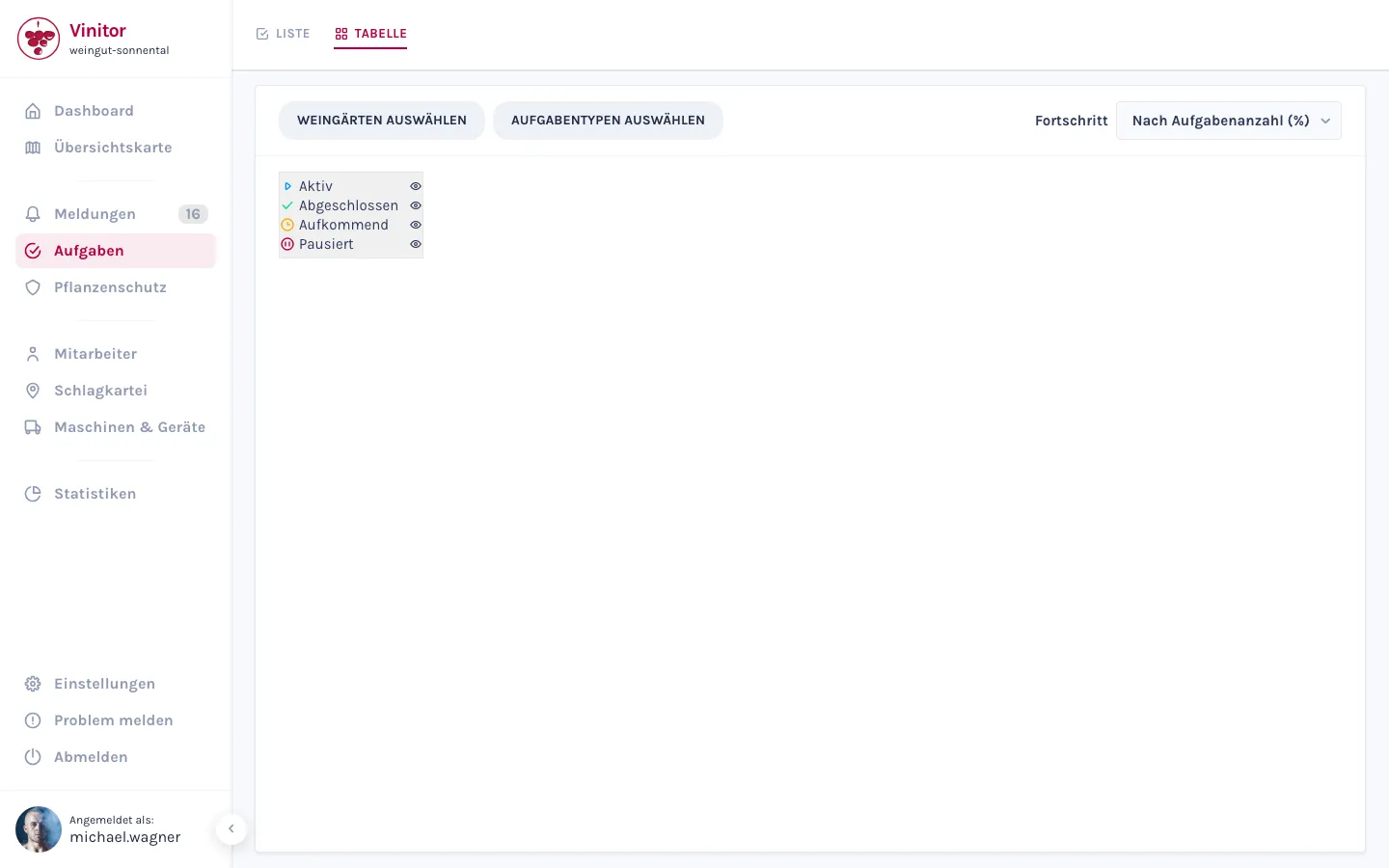
Retroactive entries and work logs
Not every job gets tracked live. With a retroactive entry, you document completed work after the fact — completion date, start and end time, done. If you log a job across several vineyards retroactively, Vinitor splits the time between them in proportion to their area, with no calculating required.
Every task collects its own work logs — the time entries with start, end and employee. You export these logs as PDF or CSV, for example for billing and proof of work. Automatic GPS time tracking is handled by the Time Tracking module.
- Retroactive entry: document completed work after the fact with a start and end time.
- Across several vineyards, the time is split in proportion to area.
- Work logs per task — exportable as PDF or CSV.
Your team has their tasks on their phone
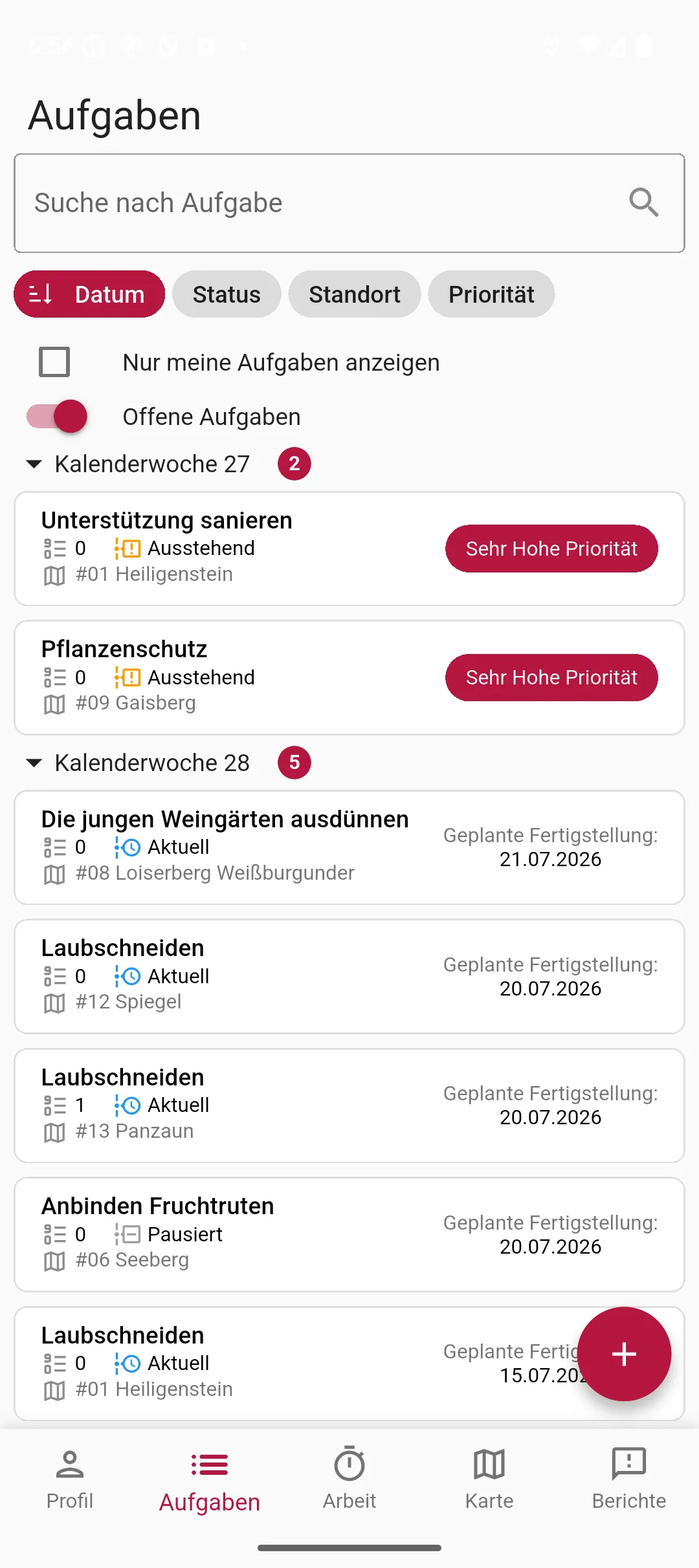
Everyone in the business sees their work in the app. The “Only My Tasks” filter is active by default — your employee sees exactly what's assigned to them. Using the plus button, they create a new task in seconds, tick off completed work, and record materials, employees and equipment directly on the task.
- A plus button for quickly creating a task right on your phone.
- The “Only My Tasks” filter — everyone sees their own work first.
- Record materials, employees and equipment directly on the task.
- Tasks are also available offline in the vineyard, straight from the cache.
Frequently asked questions
Can I export my work?
Can a task cover several vineyards?
Can I document work after the fact?
Can I create custom fields for my tasks?
What does it cost?
Price at 20 ha of vine area, excl. USt., cancel any time, no minimum fee — calculate for your area →
The easiest thing is to just try it.
The free tier stays free — add modules when you need them.
Even more detail — field tables, permissions, step-by-step guides — is in the documentation:Tasks in the documentation →