
Time tracking that runs alongside you in the vineyard
Your people work in the vineyard — time tracking runs alongside via GPS in the background. From the recorded route, Vinitor produces working hours and task suggestions; in the dashboard you see target and actual per employee. For businesses that want to document working time without anyone having to remember to.
GPS tracking that runs in the background
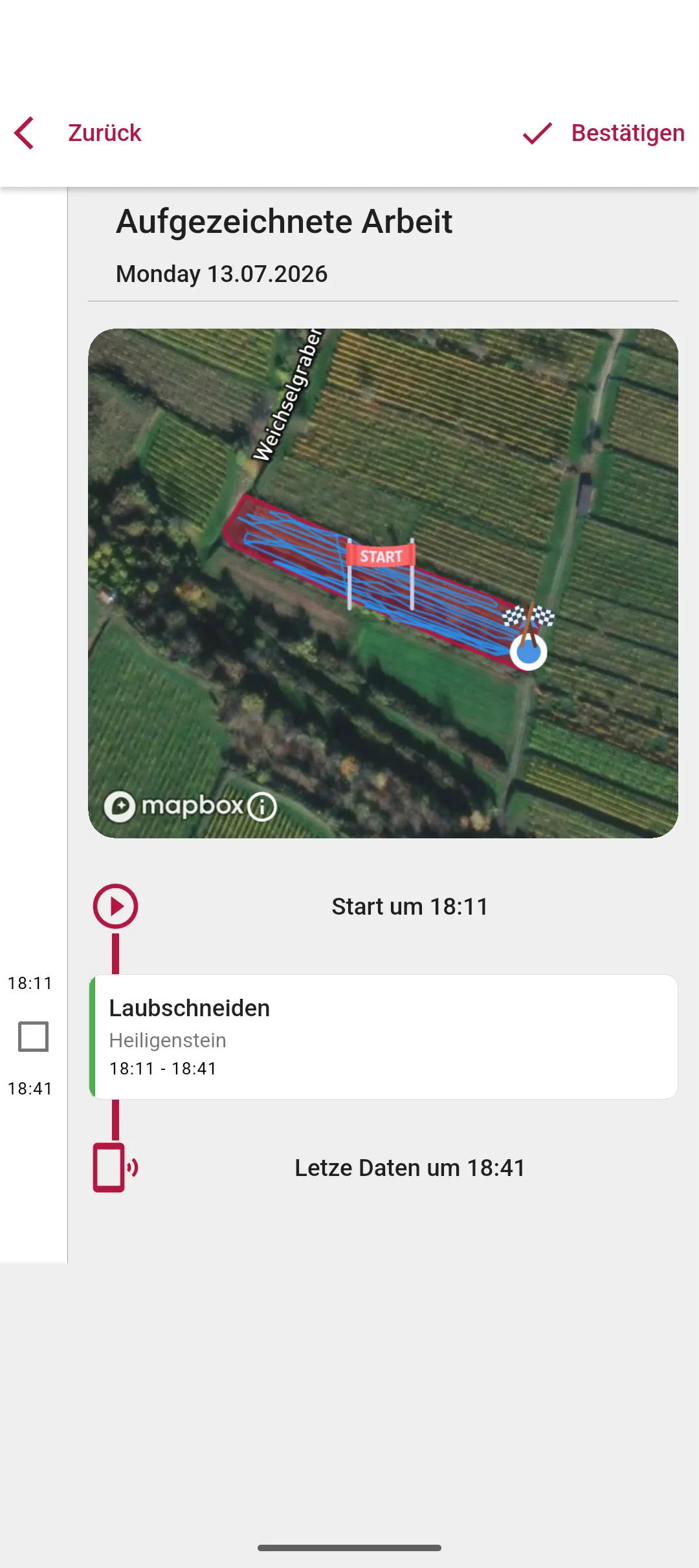
GPS time tracking in agriculture, Vinitor-style: you start the recording, go to work, and the rest happens in the background. Your phone logs your path through the vineyard — even with the screen off and secateurs already in your hand.
- Positions in the background — roughly every 8 seconds or every 15 metres, without holding your phone in your hand.
- Recording only happens while you've started it — on iPhone the status bar shows it, on Android an ongoing notification does.
- Phones that kill apps to save power aren't a problem: Vinitor walks you through the settings — with guides for Samsung, Huawei, Xiaomi and OnePlus.
The route becomes the task
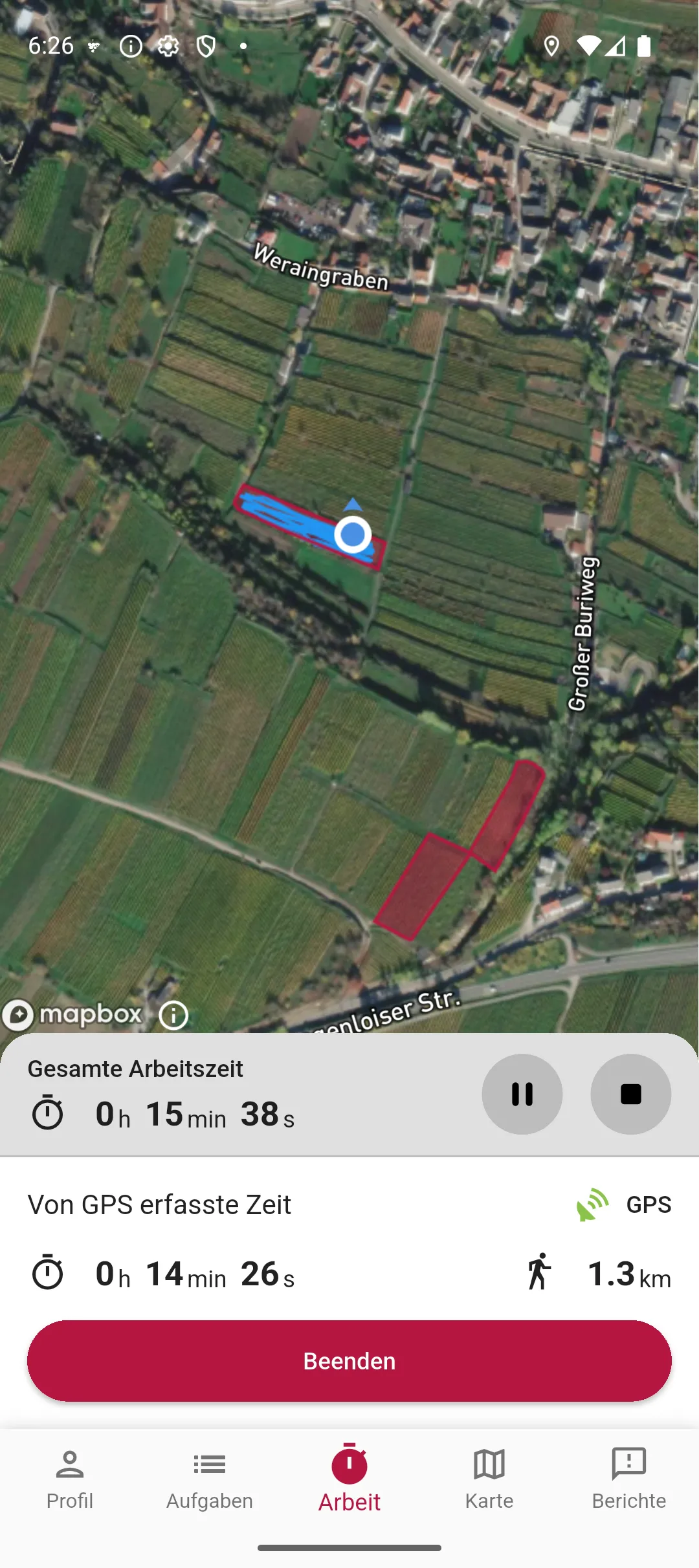
At the end of the recording, Vinitor shows you a timeline: where you were, for how long, and which vineyard it was. Work sections and travel between vineyards are kept separate, and for every work section, Vinitor suggests the task that was planned there for you — you just confirm it.
- Timeline with map: every stop in a vineyard as its own section — Vinitor recognises brief pass-throughs as travel, not work.
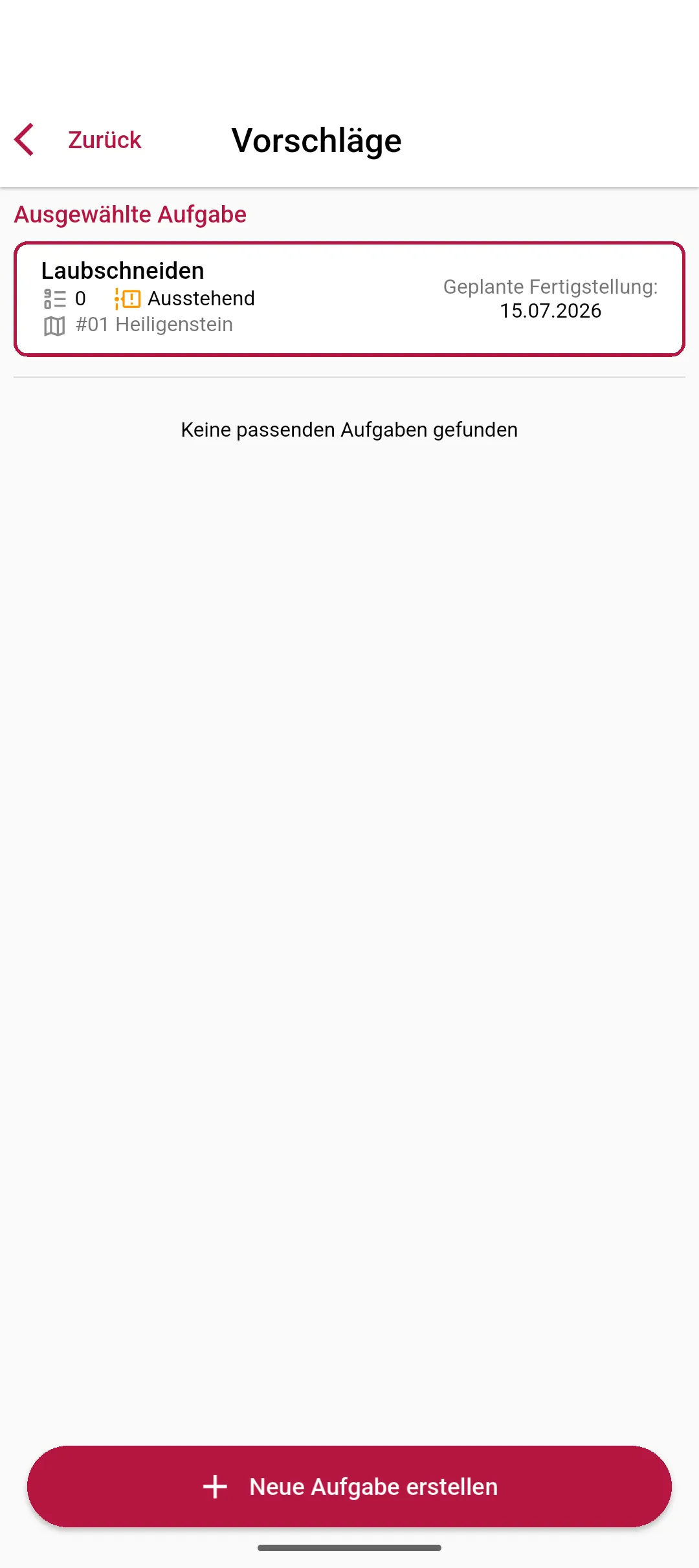
- A task suggestion based on what was planned for you around that day — including the task's employees and equipment.
- If a time boundary isn't quite right, you drag it into place, minute by minute, with a slider.
The working day: clock, breaks, net and gross
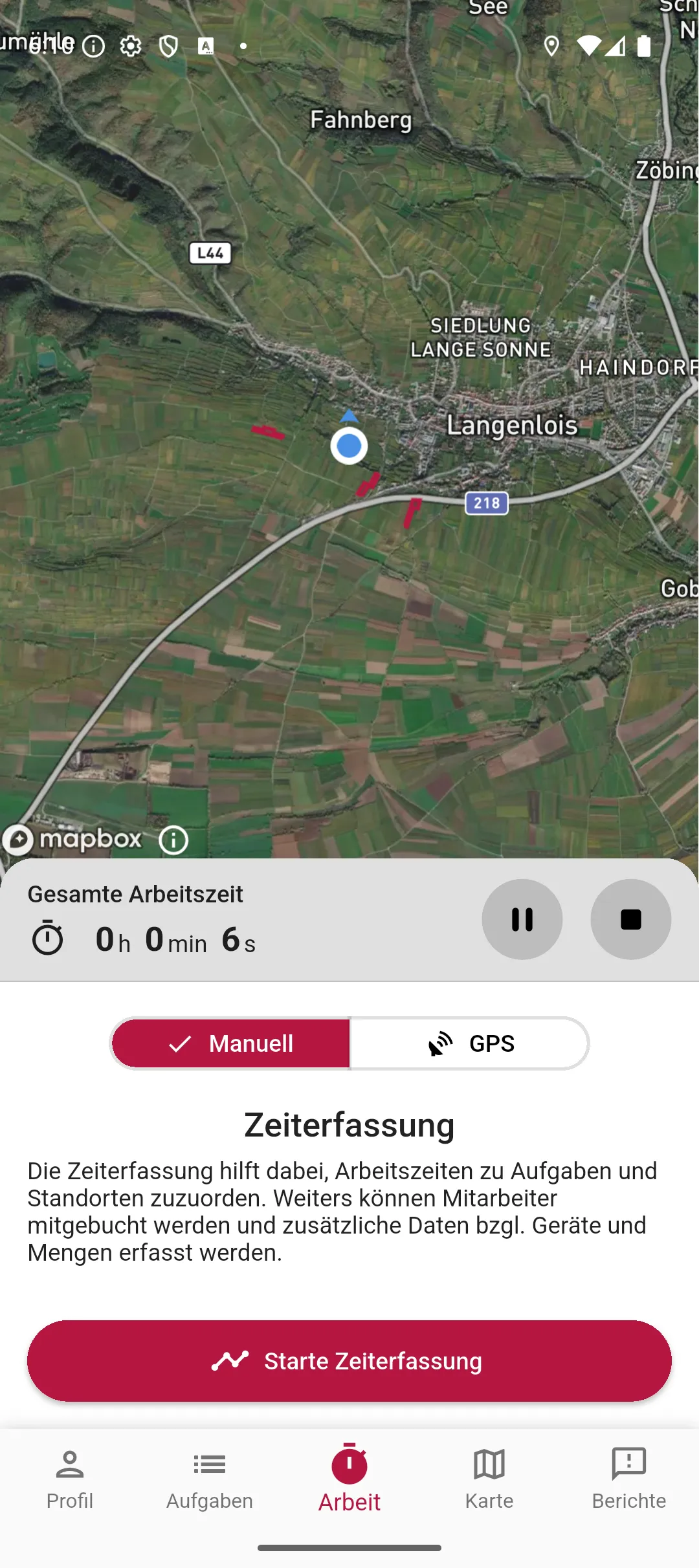
Alongside GPS tracking, there's the simple clock: start the working day, press break, end it in the evening. Vinitor calculates gross (the whole span) and net (without breaks) — and if someone forgets to end the day, Vinitor closes it out itself.
- Start, pause and end the working day with one tap — the clock keeps running, even with the app in the background.
- Gross and net time per day, with breaks cleanly deducted.
- Vinitor automatically closes out forgotten working days at the end of the day — no day keeps running forever.
Target and actual — per employee, for payroll
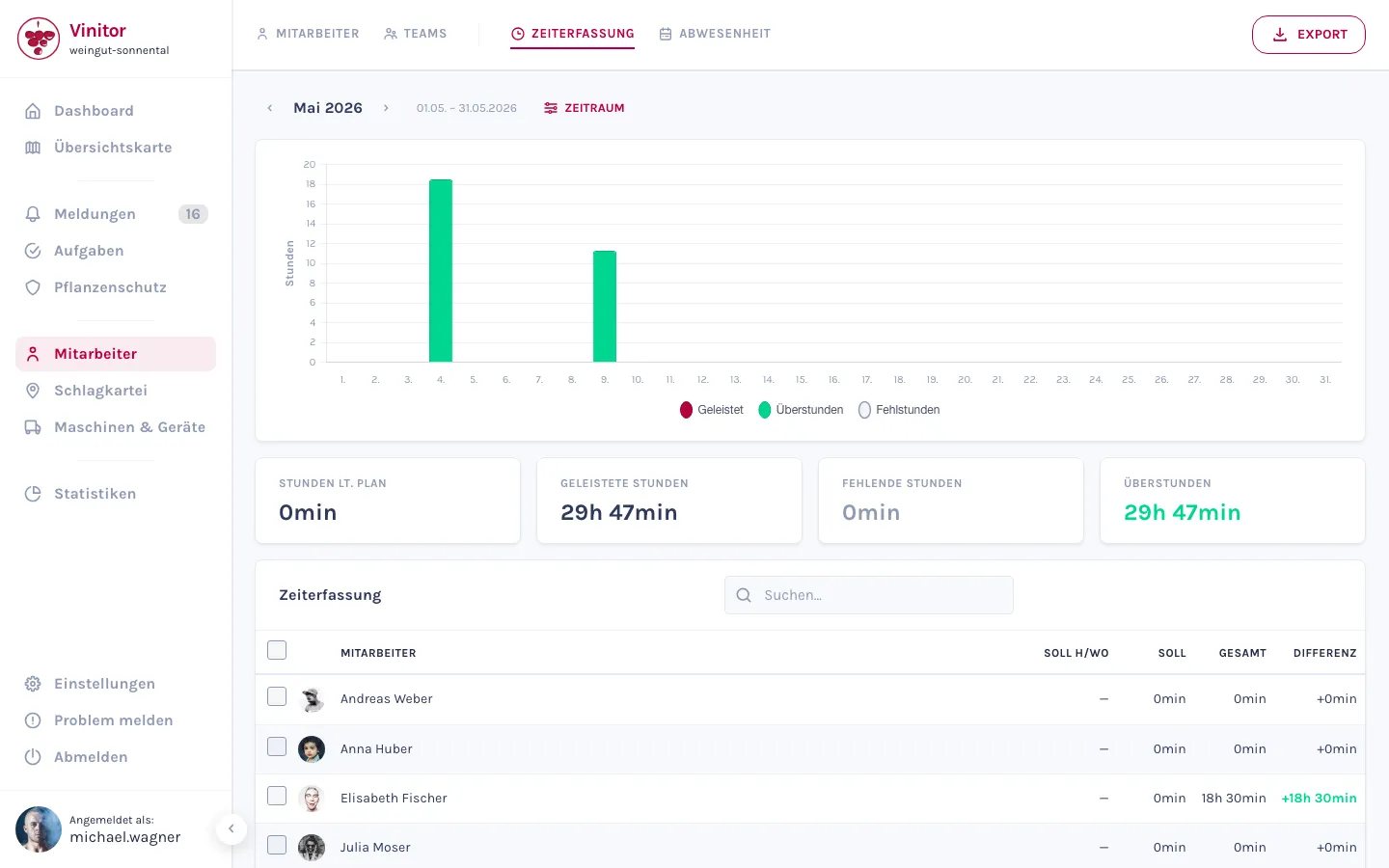
In the dashboard, you see the target (from the weekly schedule) and actual (from the recorded hours) for every employee, with the difference shown as overtime or shortfall hours — as a bar per month, per day in the day overview. For payroll, you export everything as PDF or CSV.
- Target/actual per employee with overtime and shortfall hours — in the monthly overview and day by day.
- Working-time models are versioned: a new weekly schedule applies from its effective date, older analyses remain untouched.
- Export as PDF or CSV with target, actual, difference and breaks per day and employee.
Leave and absences
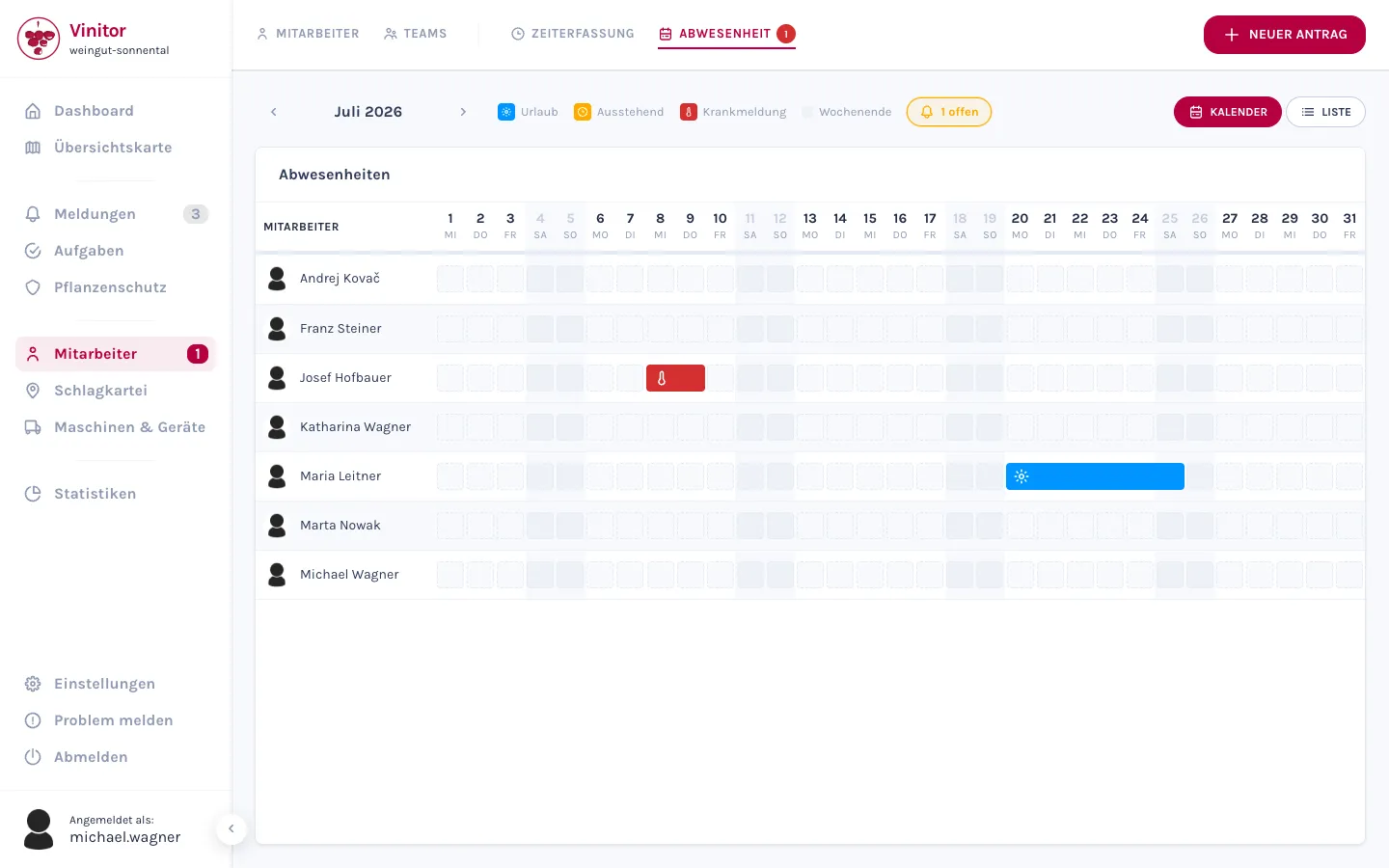
Your employees request leave directly in the app — from/to, a note, done. In the dashboard, you have all absences in front of you as a calendar, and approve or decline with one click.
- Leave requests from the app — periods already taken are blocked in the date field.
- A calendar overview in the dashboard for the whole team, with approve and decline plus a reason.
- Sick leave notifications go through the same route too — with a photo or file attached as proof.
Frequently asked questions
Does the GPS keep running in the background?
What if my phone closes the app due to battery optimisation?
Is there an export for payroll?
What happens if someone forgets to stop the working day?
Can employees request leave in the app?
What does it cost?
Price at 20 ha of vine area, excl. USt., cancel any time, no minimum fee — calculate for your area →
The easiest thing is to just try it.
The free tier stays free — add modules when you need them.
Even more detail — field tables, permissions, step-by-step guides — is in the documentation:Time tracking in the documentation →