
Manage employees: from access to hourly rate
Create your team, give everyone the right role and exactly the permissions they need — and record working time and salary as the basis for target/actual comparisons and costs. From a single employee to a whole harvest crew, from seasonal help to the foreman. Employee management is the foundation every other feature in Vinitor builds on.
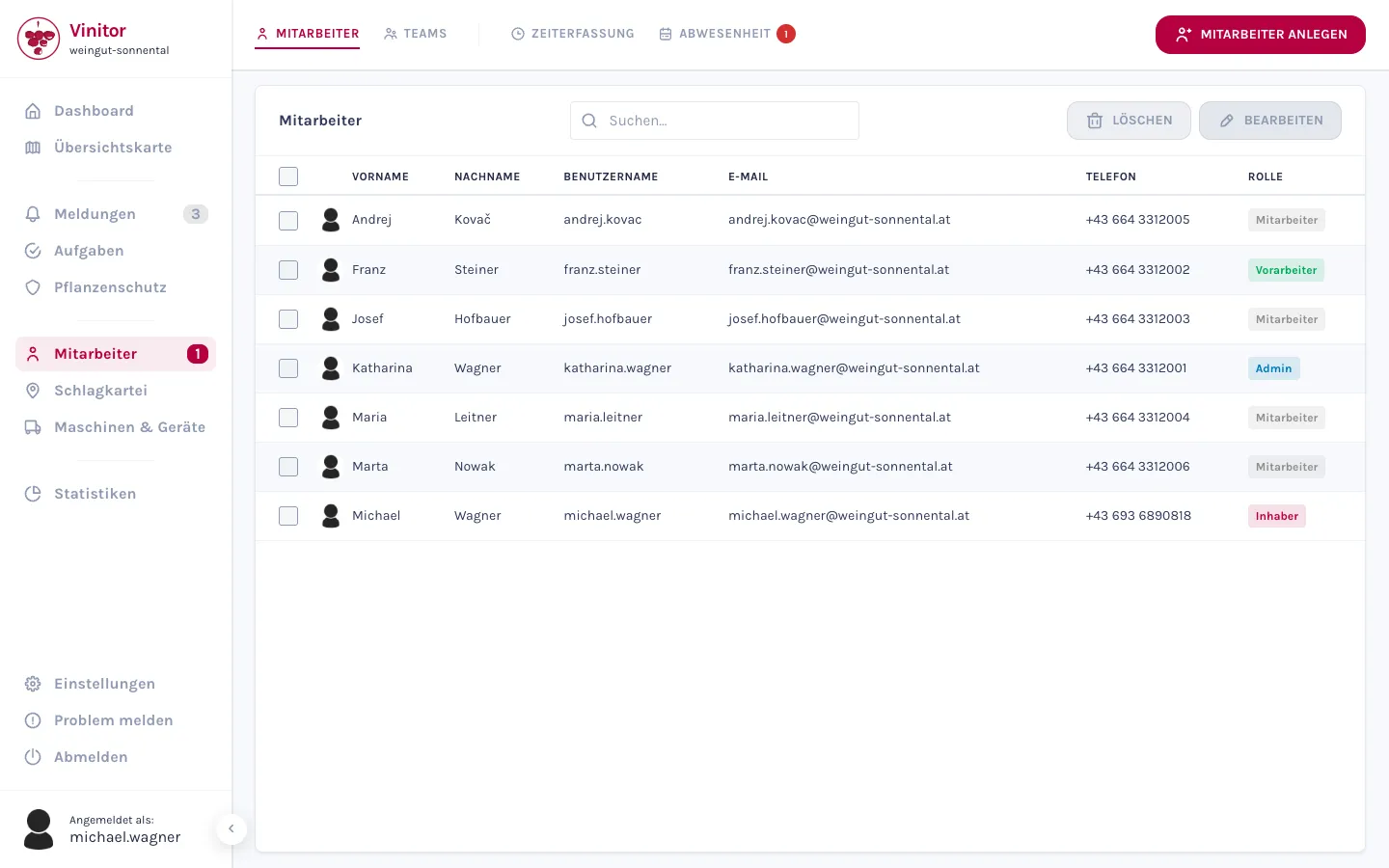
From your first employee to the whole crew
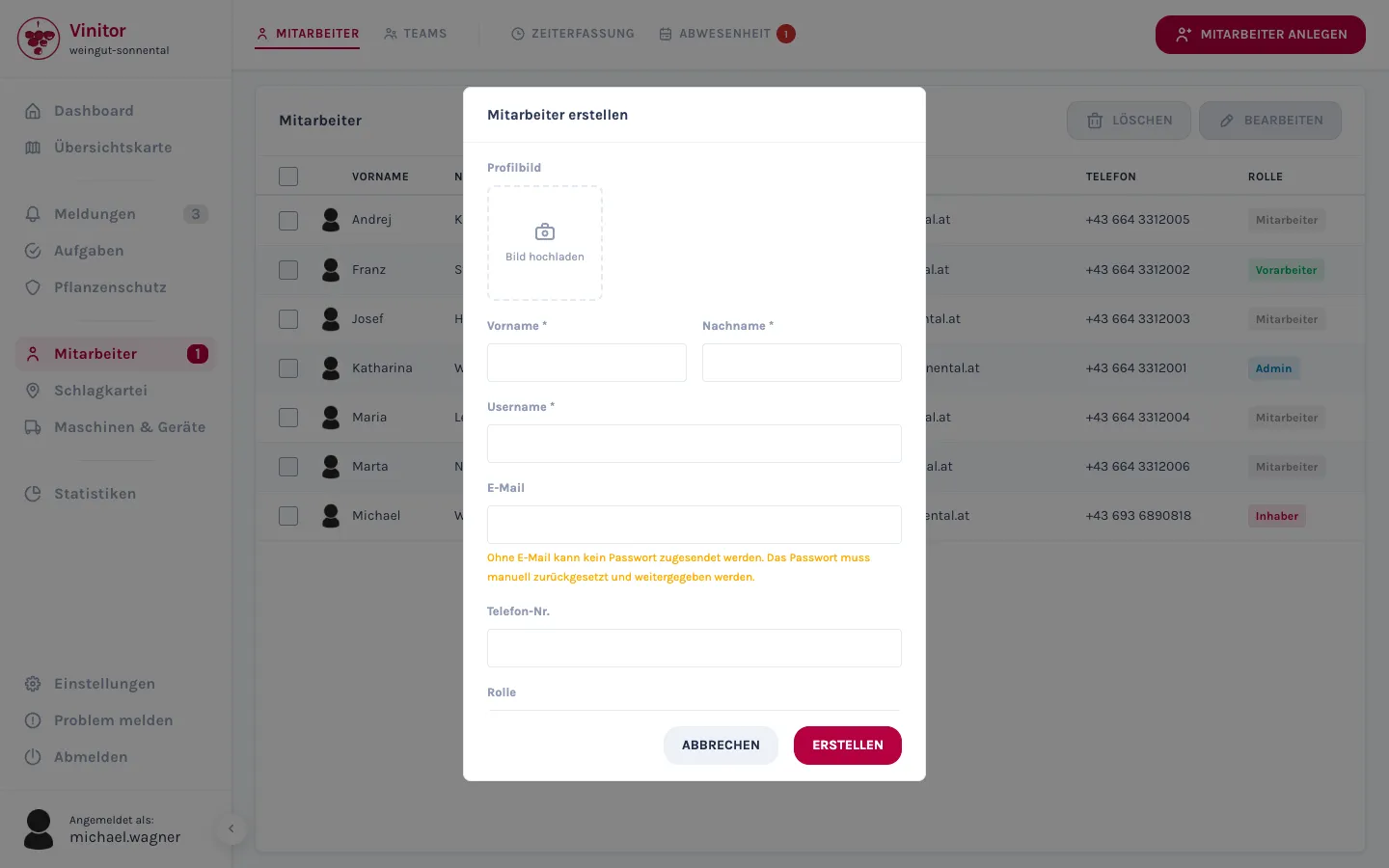
You create an employee in a dialog — name, username, email, phone, role, plus optional working days and a profile picture. If half the seasonal crew arrives at once, you type them row by row into a table and create them all together.
- Create one employee in a dialog — or several at once, row by row in a table.
- Anyone with an email address on file automatically receives their login details by email.
- You can search and sort the employee list by any column — first name, last name, username, role.
- Edit several employees at once — directly in the table, moving field to field with the arrow keys.
Roles and permissions: who sees and can do what
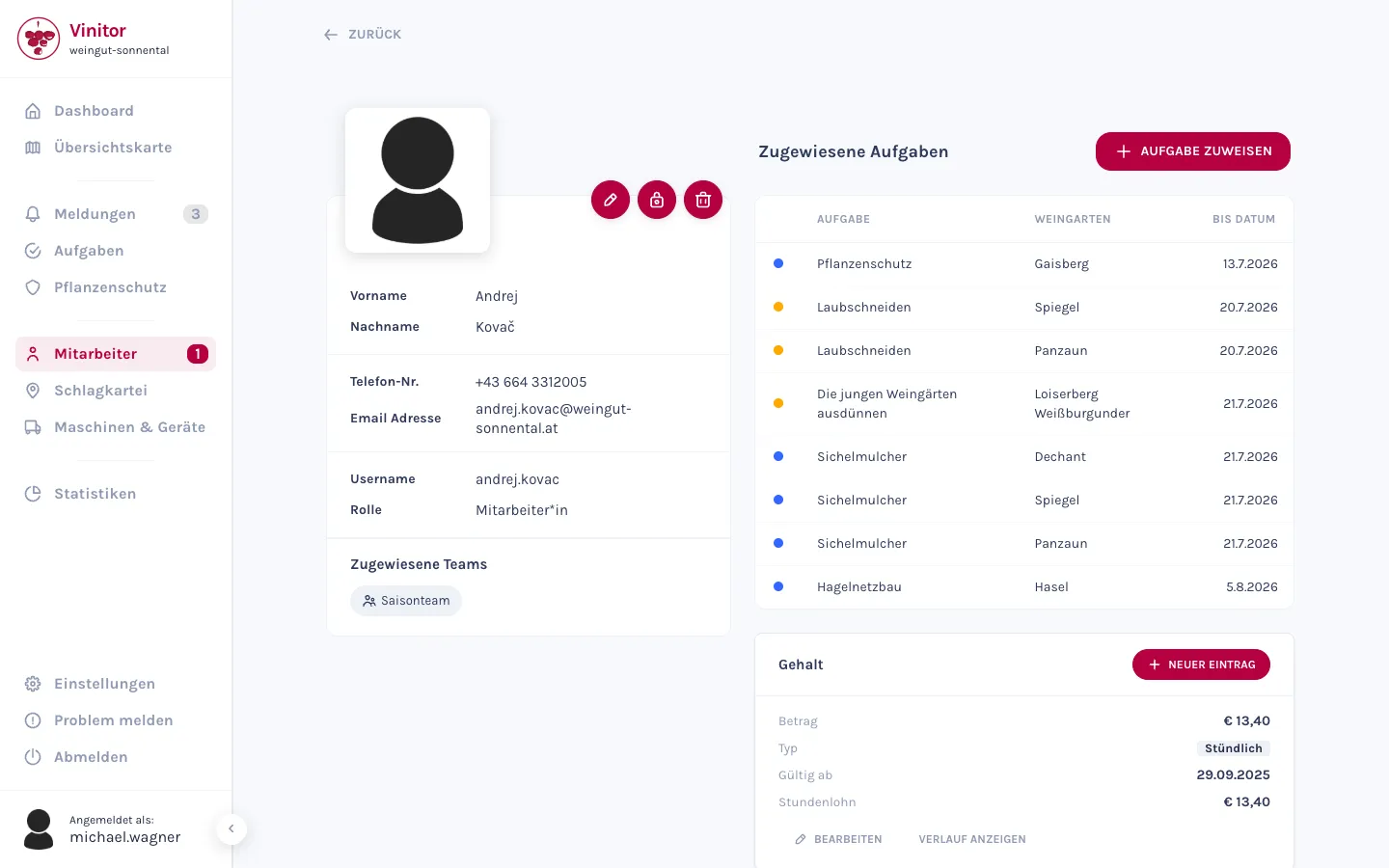
Every employee gets one of four roles — Owner, Administrator, Foreman and Employee — with a clear hierarchy. The role comes with sensible default permissions; you can grant individual rights on top of that, precisely as needed.
- Four roles with a clear hierarchy — from casual help to owner.
- Every role comes with matching default permissions — you add individual rights on top as needed.
- You can only assign roles up to your own level — nobody can promote themself higher.
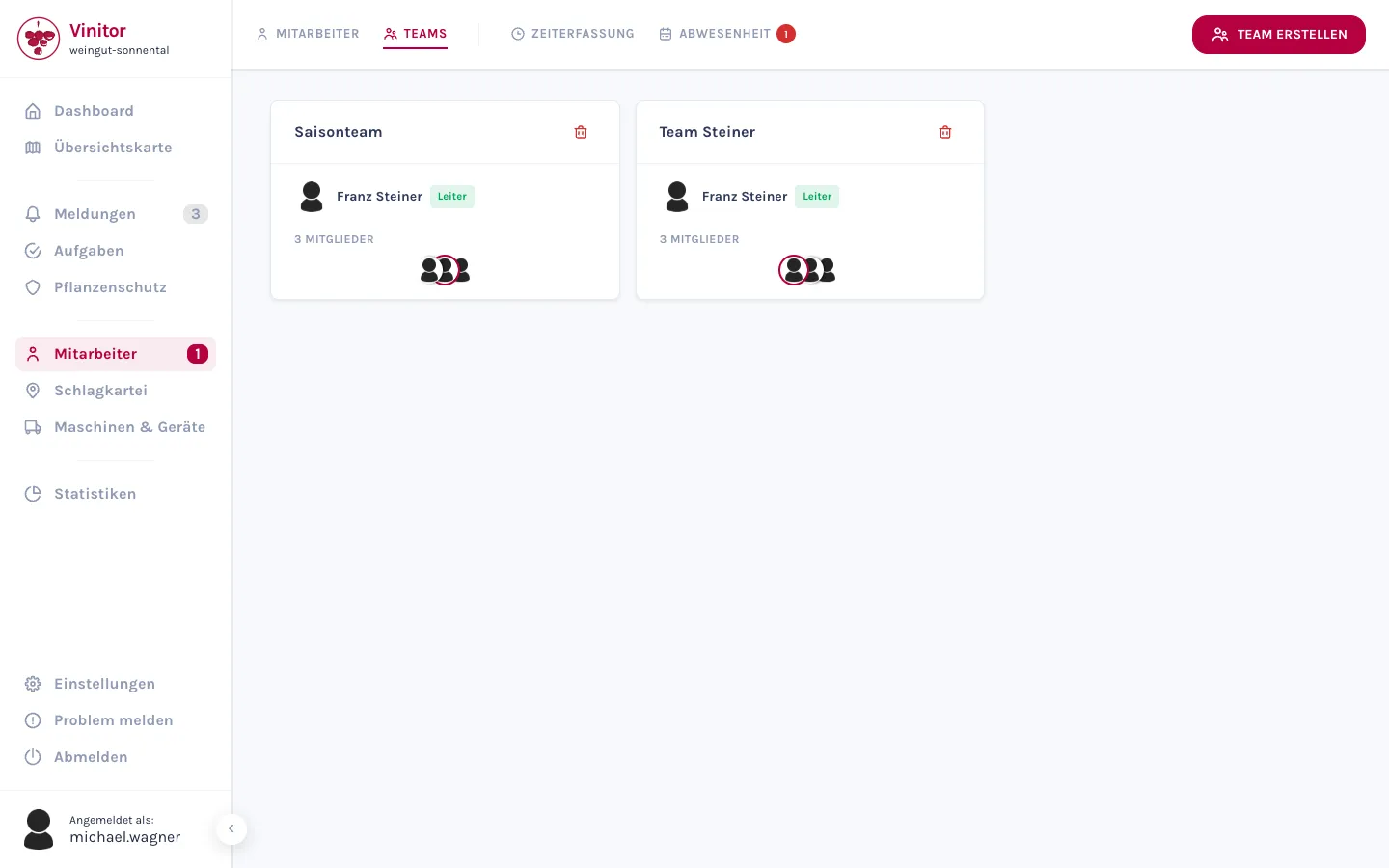
Teams — your crew organised into units
Group employees into teams, each with an optional team lead. Teams are the unit you use to assign tasks and analyse time — instead of handling everyone individually.
- Group employees into teams, each with an optional team lead.
- Change members and lead at any time — via the team card or on the team detail page.
- Tasks and time analysis run through teams instead of individuals.
Working time and salary — the basis for costs
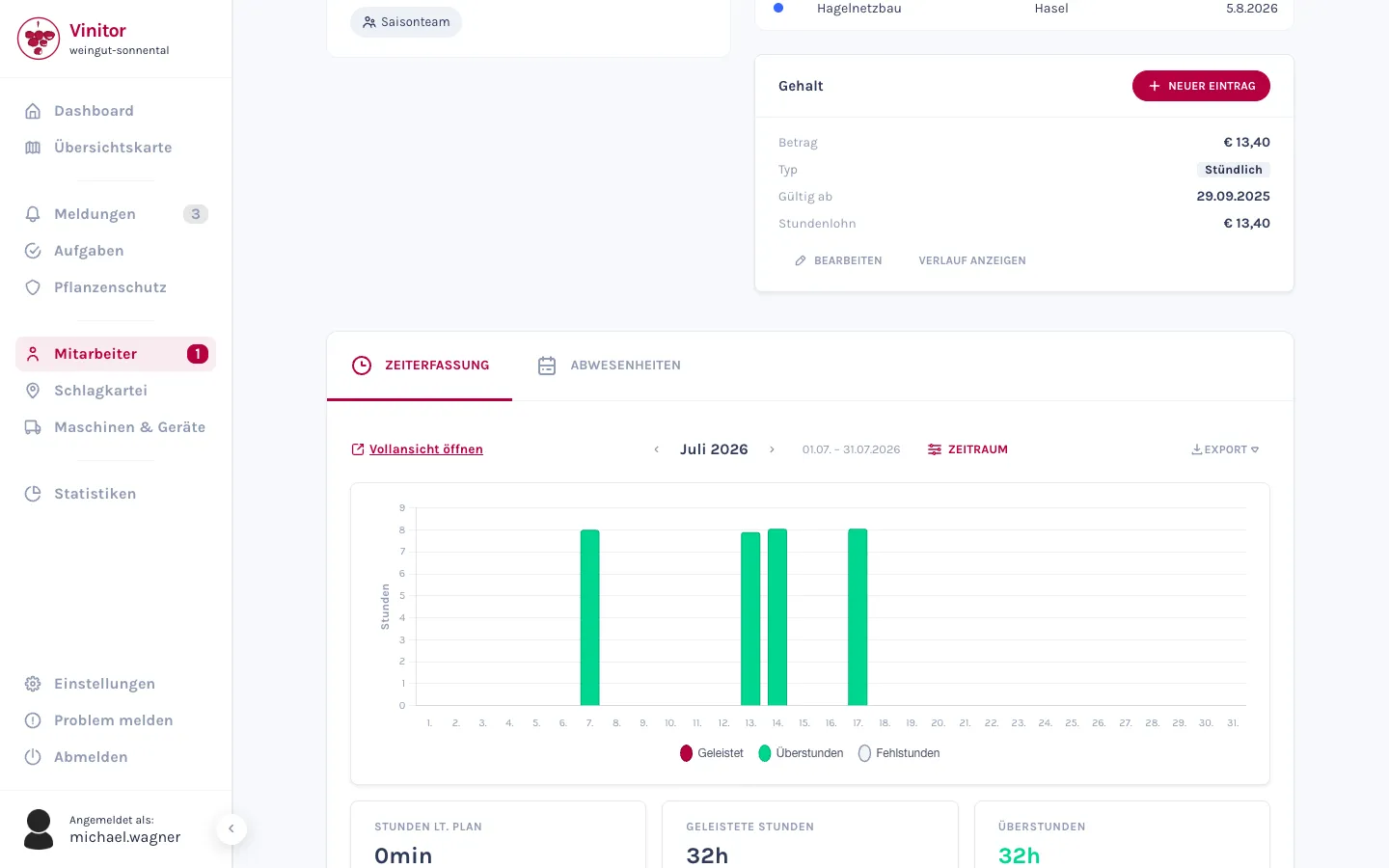
For each employee, you set up a working-time model — which weekdays, how many hours — and the salary entries. For a monthly salary, Vinitor automatically calculates the hourly rate from the weekly hours. And because salary is sensitive, only those with the right permission see the salary card.
Working-time models and salaries are also the basis from which Statistics calculates staff costs per vineyard.
- A working-time model per employee: which weekdays, how many hours.
- Salary as a monthly or hourly wage — for a monthly salary, Vinitor automatically works out the hourly rate.
- Salary data is permission-protected — only those with the right permission see it.
What every employee handles themselves
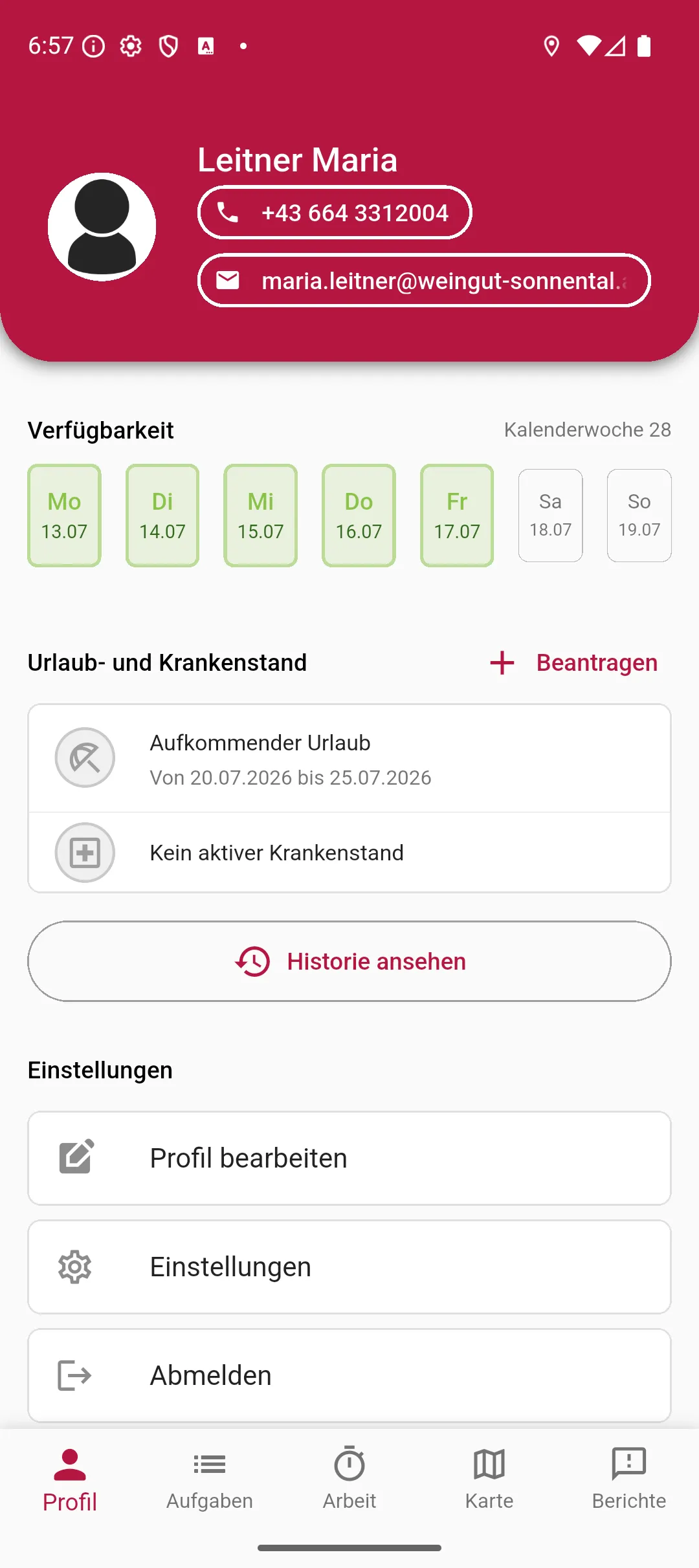
Not everything has to go through administration. Every employee can maintain their own profile — phone number, email and profile picture — directly in the app, with no elevated permissions needed. What they can't do: change their own role or working-time model.
- Every employee maintains their own phone number and email — directly in the app.
- No elevated permission needed: every role can edit its own profile by default.
- Upload your own profile picture — or an administrator sets it up for the team.
Frequently asked questions
Can I create many employees at once?
What are teams for?
How do employees reset their password?
Can an employee change their own role?
What does it cost?
Nothing — that's part of the free tier: free forever, for any size of business, no credit card and no expiry date. What the add-on modules cost is shown on the pricing page.
The easiest thing is to just try it.
The free tier stays free — add modules when you need them.
Even more detail — field tables, permissions, step-by-step guides — is in the documentation:Employees in the documentation →